
Fusion Digital Dynamics
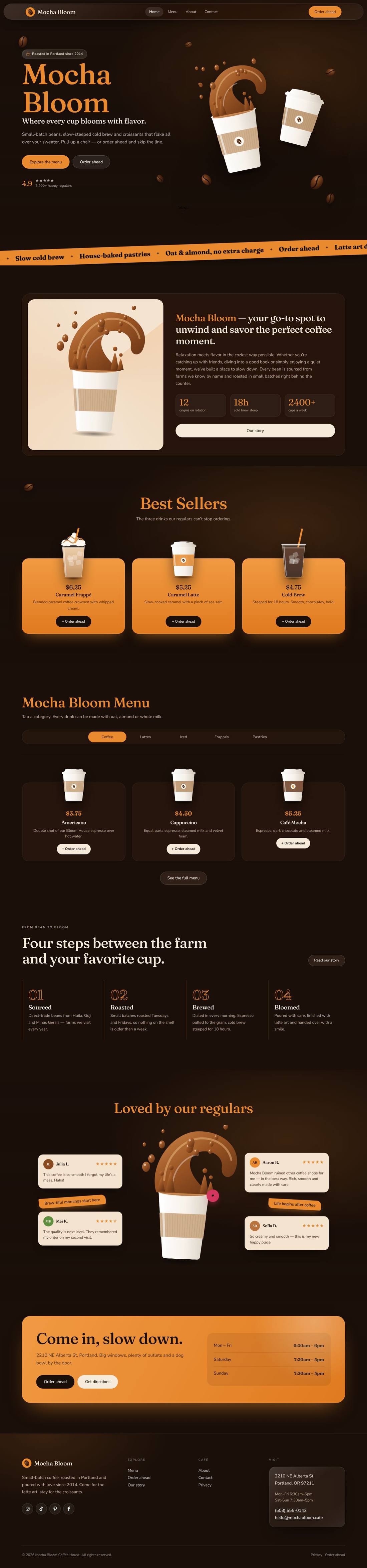
Mocha Bloom Coffee House
An animated coffee house site: splashing cups, floating beans, a silky drifting backdrop and a tabbed menu.
$59
Details
A bold, modern landscaping website with a lawn that mows itself, an instant quote estimator and a season switcher — built to turn visits into booked estimates.


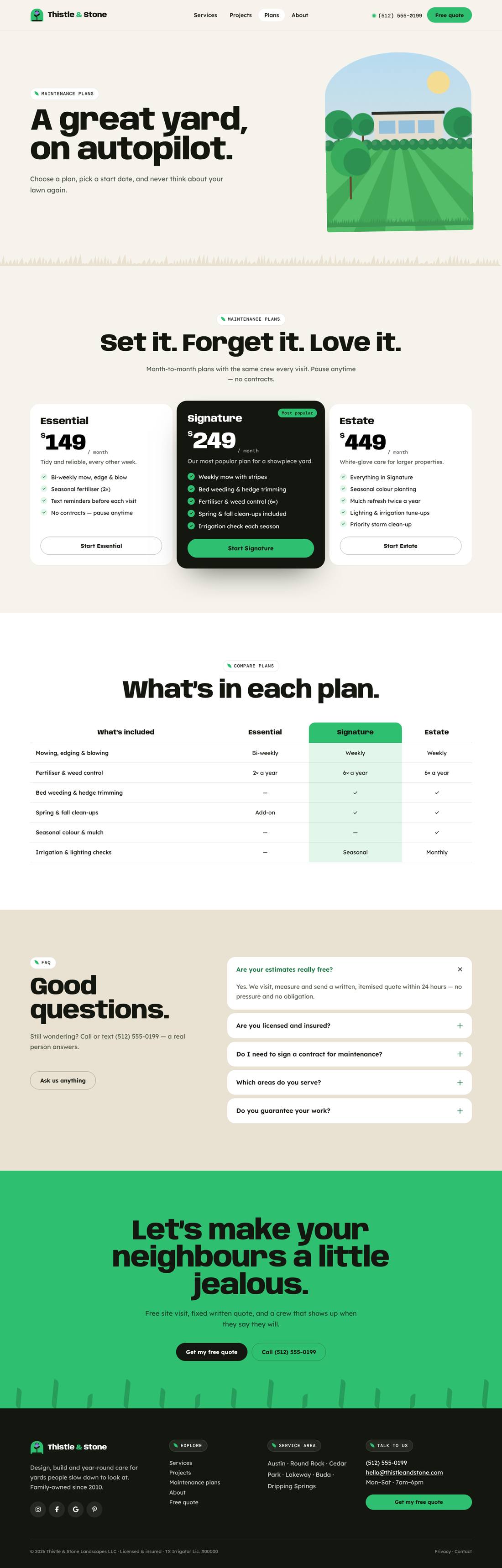
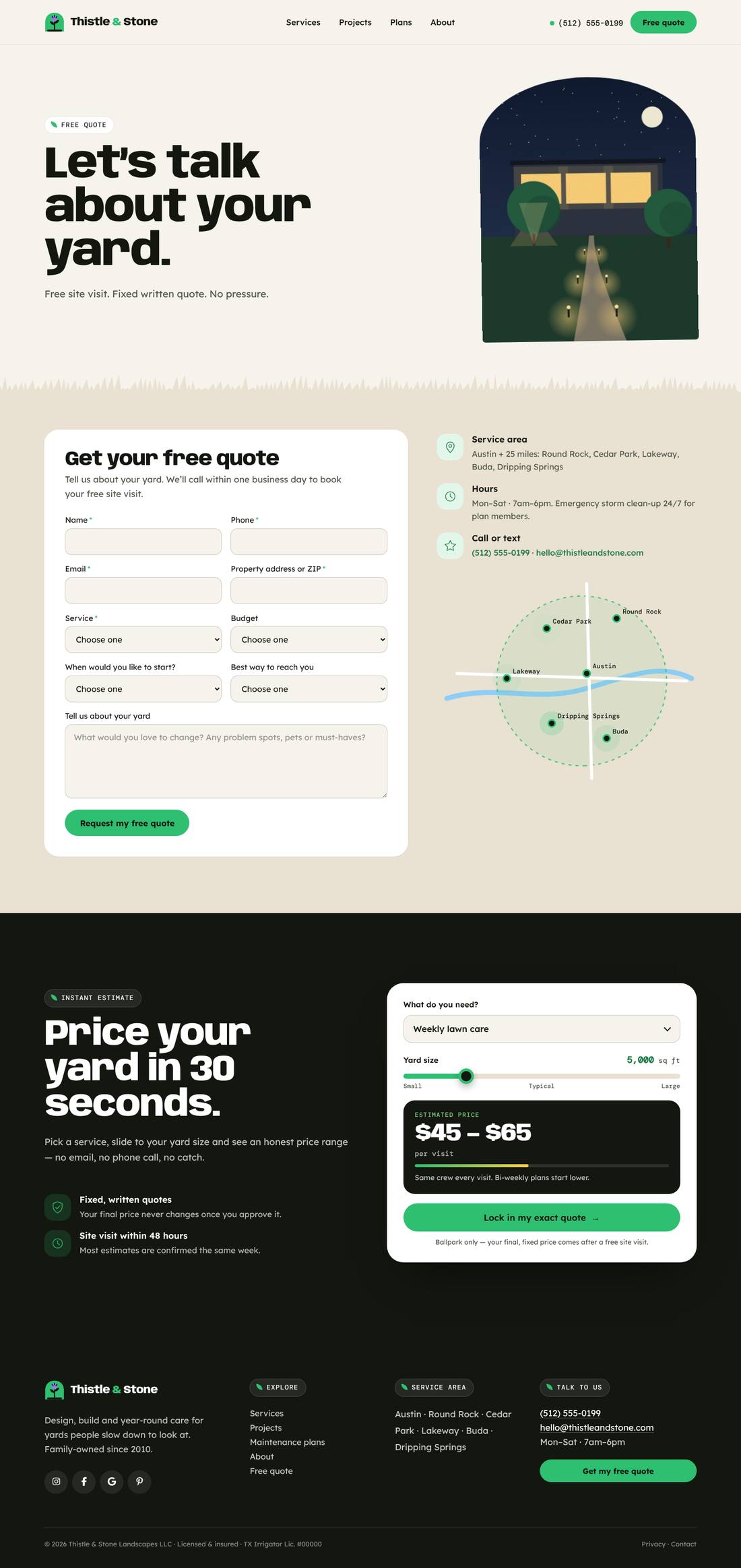
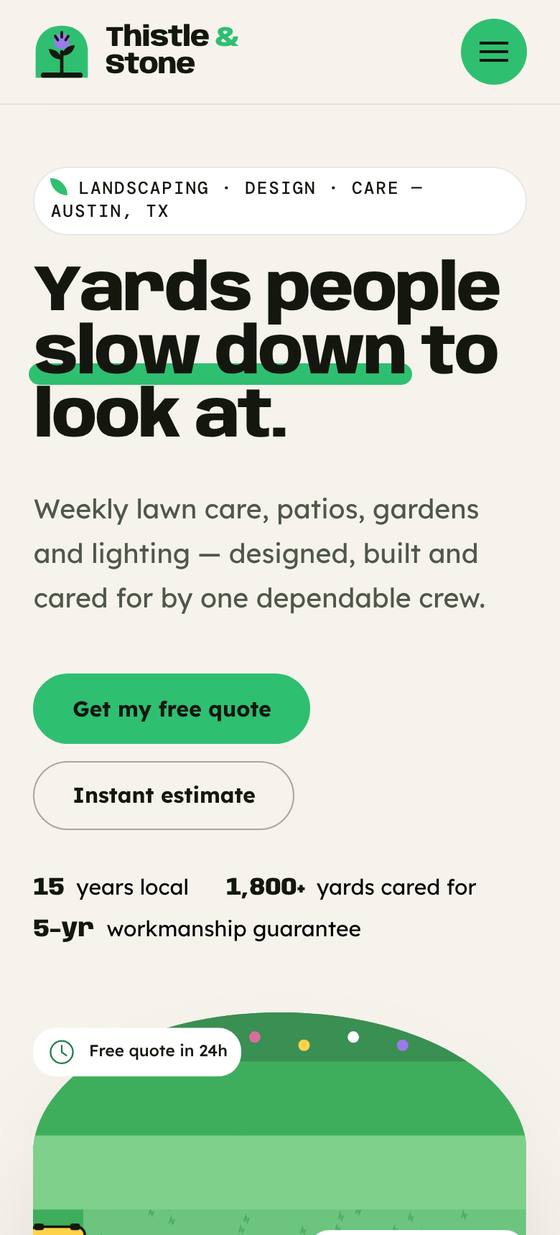
Scroll inside the preview to see the whole page.
A high-converting website for a landscaping and lawn care company, in limestone, clover green and sky blue with wide, confident headlines and garden-arch image frames. In the hero, a little mower cuts neat stripes into a lawn, row by row, beside badges for free quotes, licensing and Google rating. An instant estimator prices a service from the visitor’s yard size in real time, a season switcher re-colours an illustrated garden (blossom, summer, autumn leaves, snow) and lists seasonal services, and a service-area map pulses with town pins. Includes service cards, project gallery, monthly maintenance plans with a comparison table, a four-step process with counters, reviews, FAQs and a free quote form. Grass-blade edges finish each section; every motion respects reduced-motion settings.
.tco file. Pages, headers, footers, layouts, images, colours and fonts are added to your site.
An animated coffee house site: splashing cups, floating beans, a silky drifting backdrop and a tabbed menu.

A liquid-glass sports car site told as a story: cars drive in, cross the screen as you scroll and a speedometer sweeps into view.
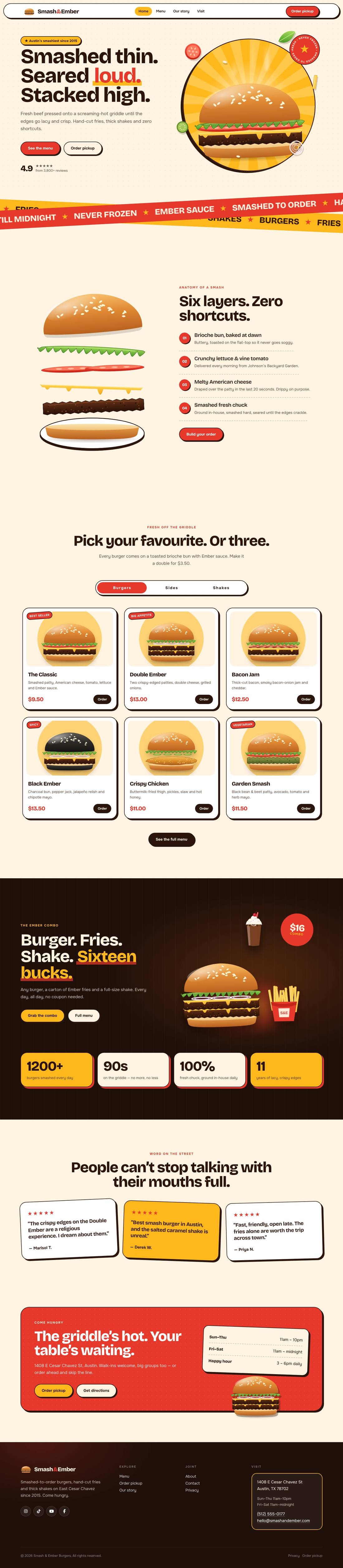
A mouth-watering animated burger joint: the burger builds itself layer by layer, pulls apart as you scroll and fries fly around the page.