
Fusion Digital Dynamics
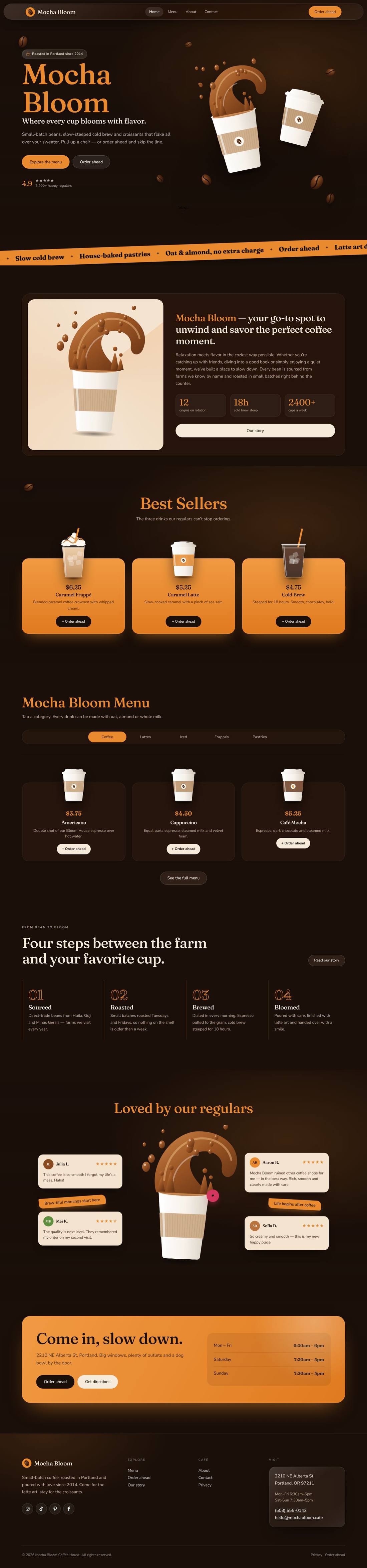
Mocha Bloom Coffee House
An animated coffee house site: splashing cups, floating beans, a silky drifting backdrop and a tabbed menu.
$59
Details
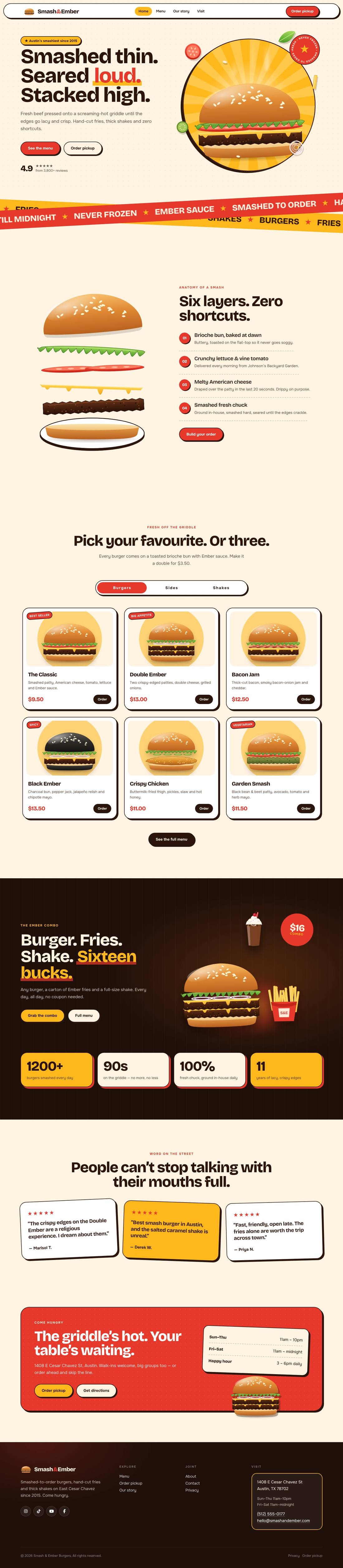
A mouth-watering animated burger joint: the burger builds itself layer by layer, pulls apart as you scroll and fries fly around the page.
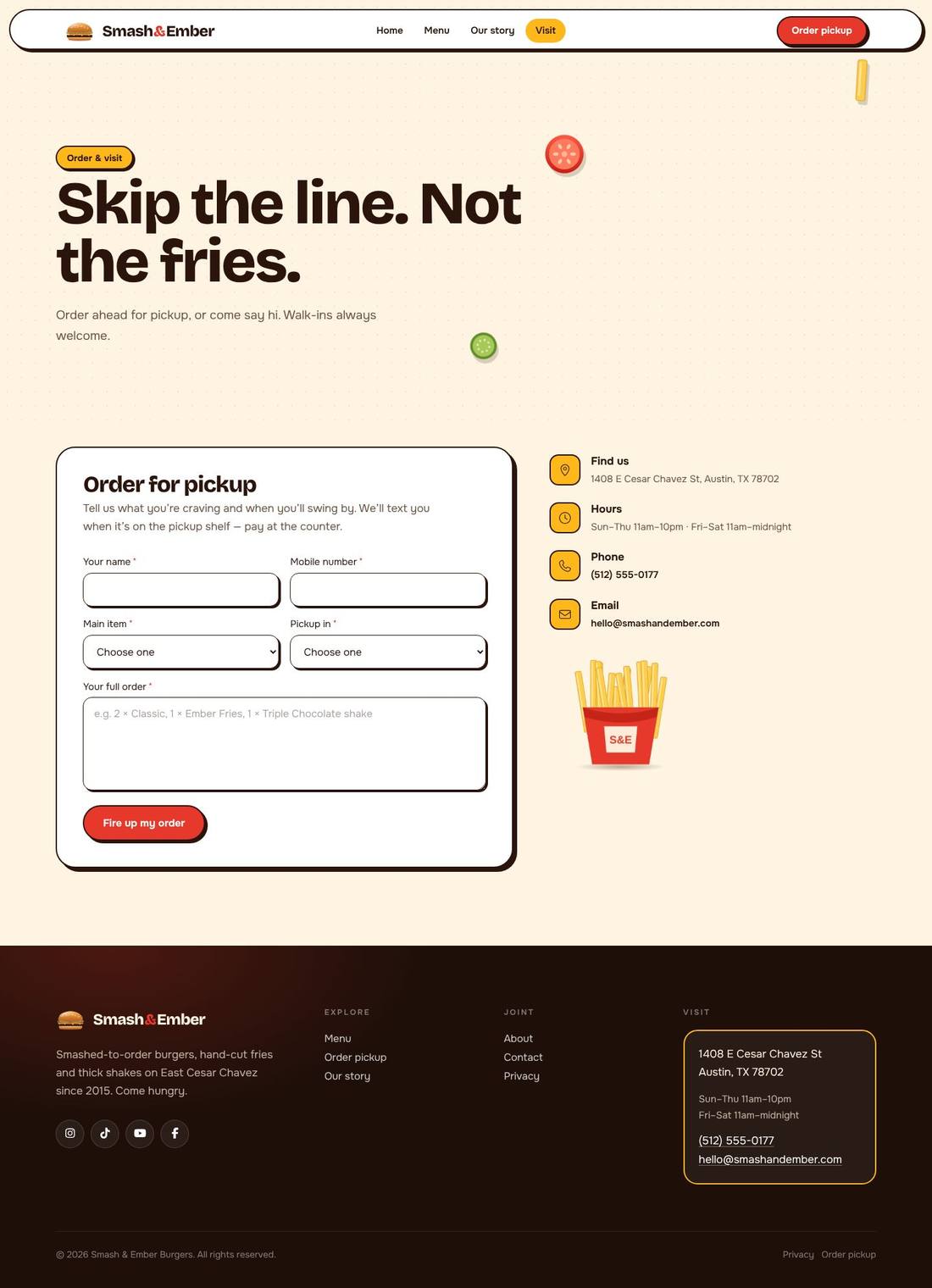

Scroll inside the preview to see the whole page.
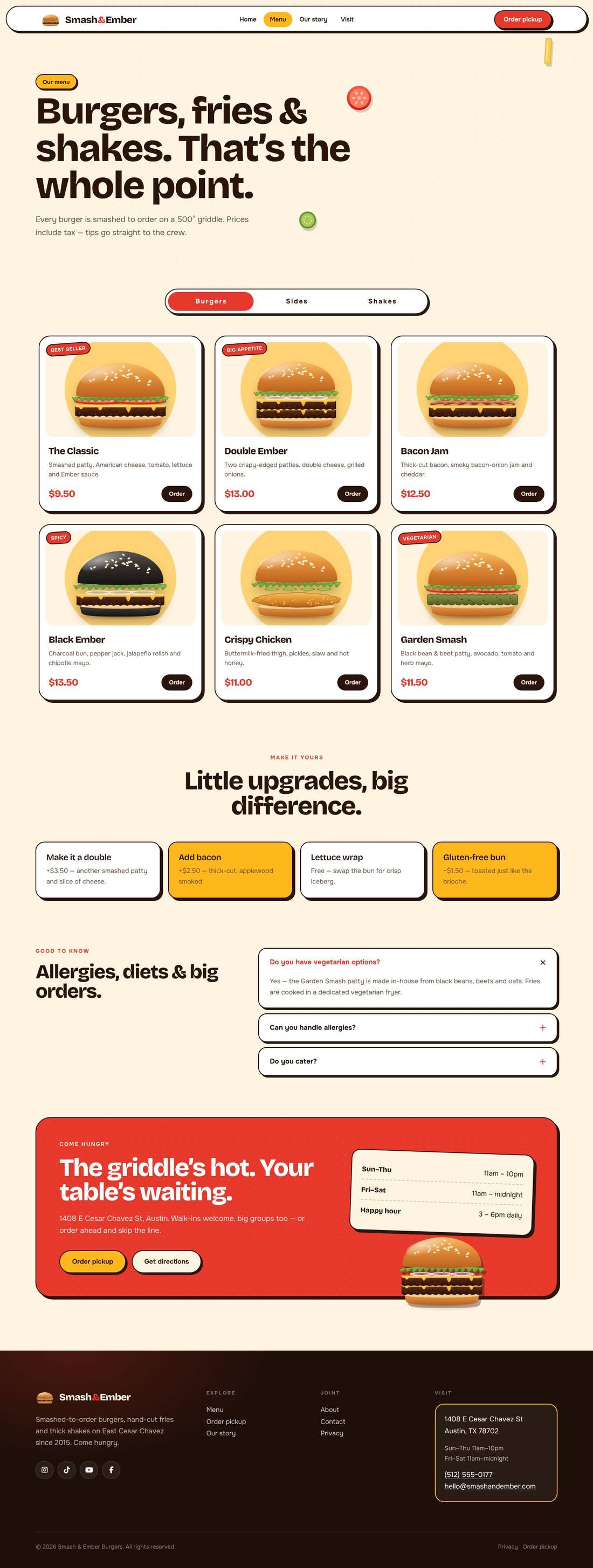
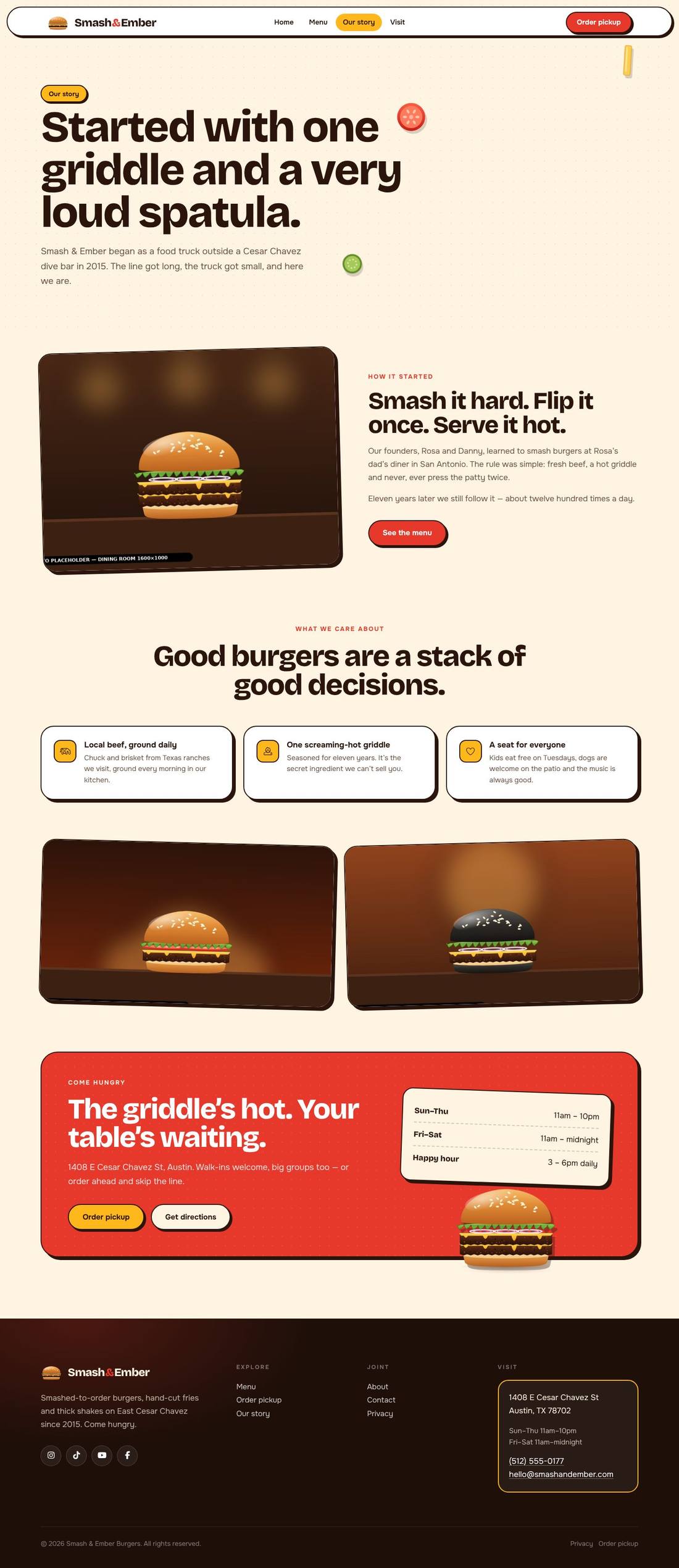
A bold, playful restaurant website for a burger joint. In the hero, a burger drops in layer by layer — bun, patty, melting cheese, tomato, lettuce, bun — with steam rising, a spinning “fresh, never frozen” badge and ingredients floating around it. Crossing ribbons scroll the specials, the burger pulls apart into its six layers as you scroll (“anatomy of a smash”), menu dishes jump and wiggle on hover, the combo trio bounces on a glowing grill and review stickers float. Includes a tabbed menu (burgers, sides, shakes), combo, counters, reviews, an Order-for-pickup form, About and Visit pages, plus a full illustrated food set. Every animation is a class you can switch on or off in Cornerstone.
.tco file. Pages, headers, footers, layouts, images, colours and fonts are added to your site.
An animated coffee house site: splashing cups, floating beans, a silky drifting backdrop and a tabbed menu.
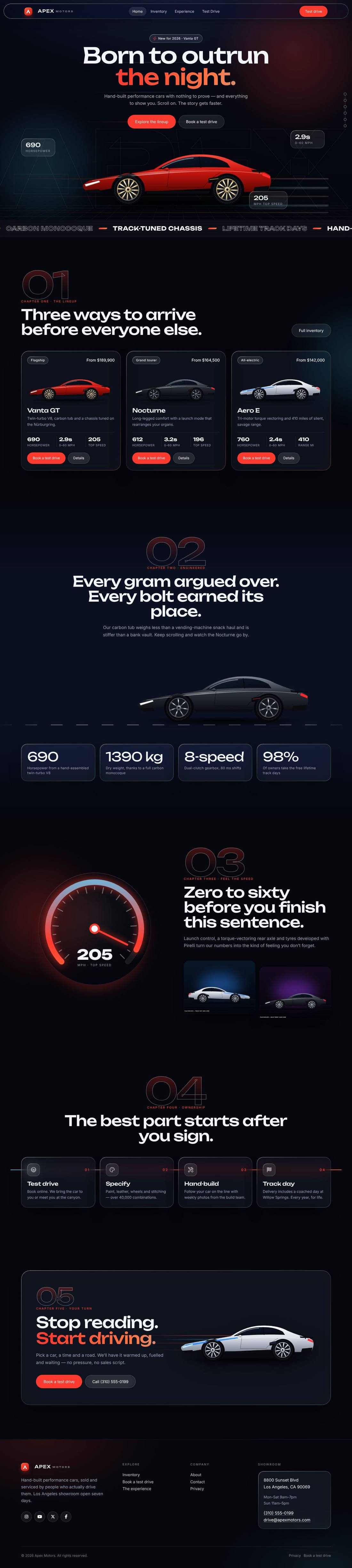
A liquid-glass sports car site told as a story: cars drive in, cross the screen as you scroll and a speedometer sweeps into view.
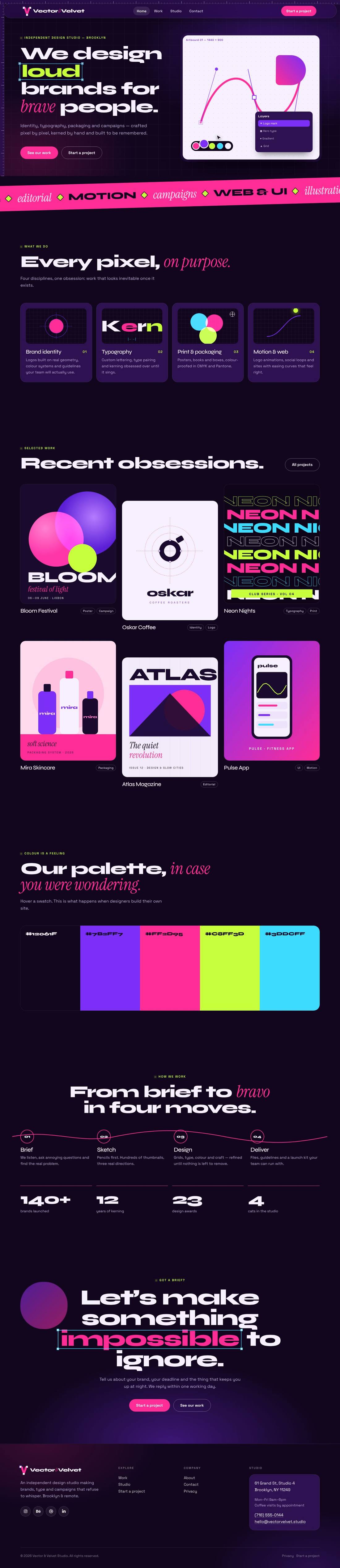
A dark purple and hot pink graphic design studio site whose animations look like a design app at work: pen tool, selection handles, swatches and kerning.