Silk & Lacquer Salon

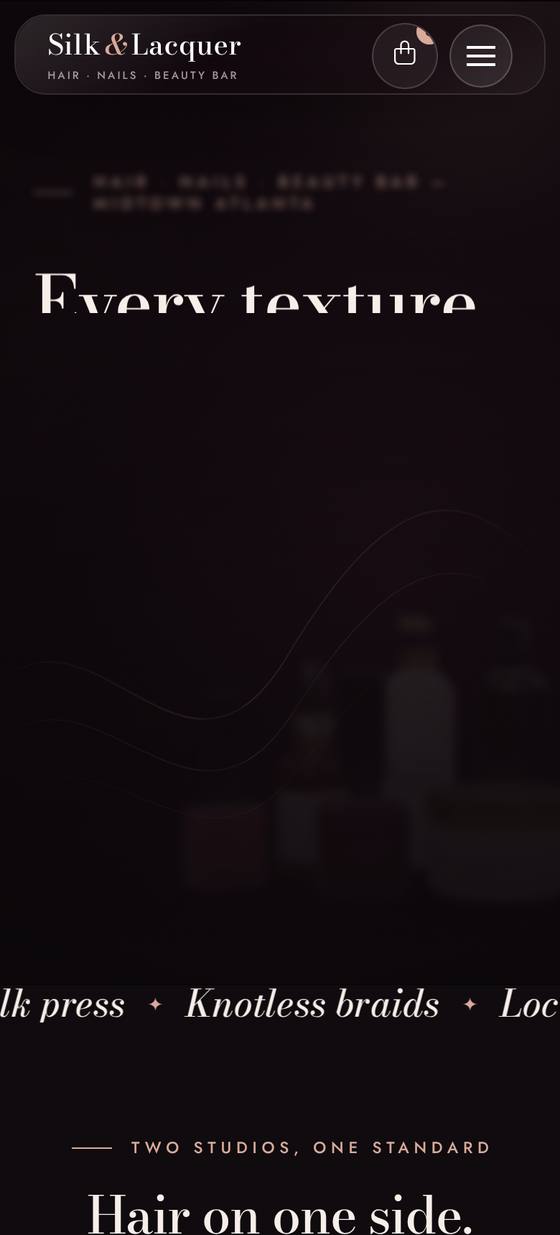
A cinematic hair & nail salon website with Amelia booking and a WooCommerce product shop.

About this template

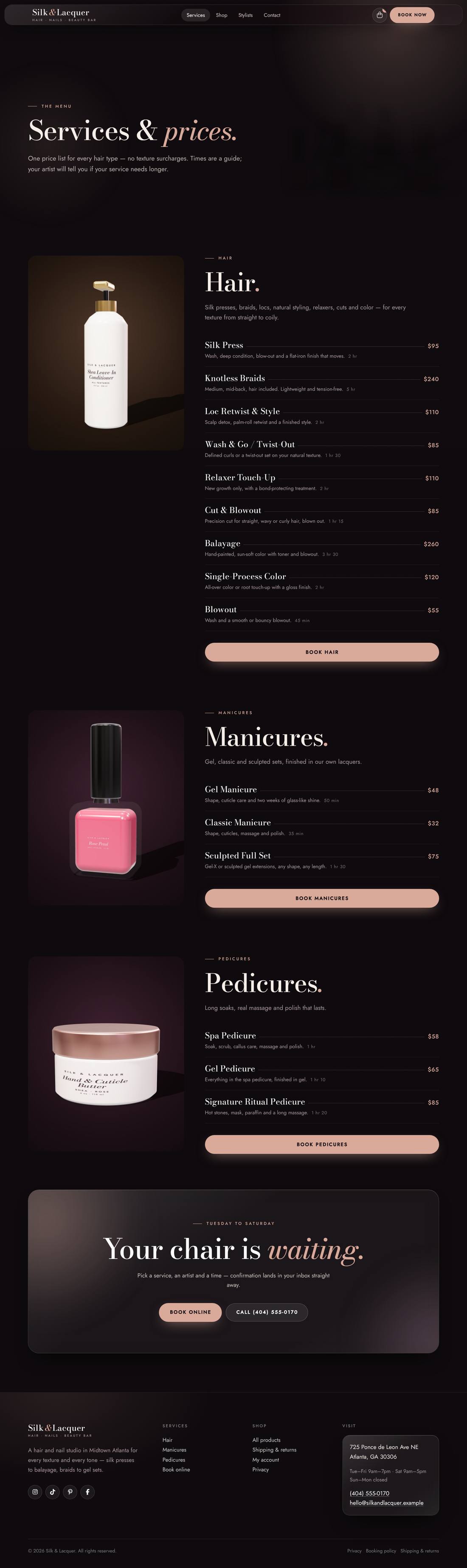
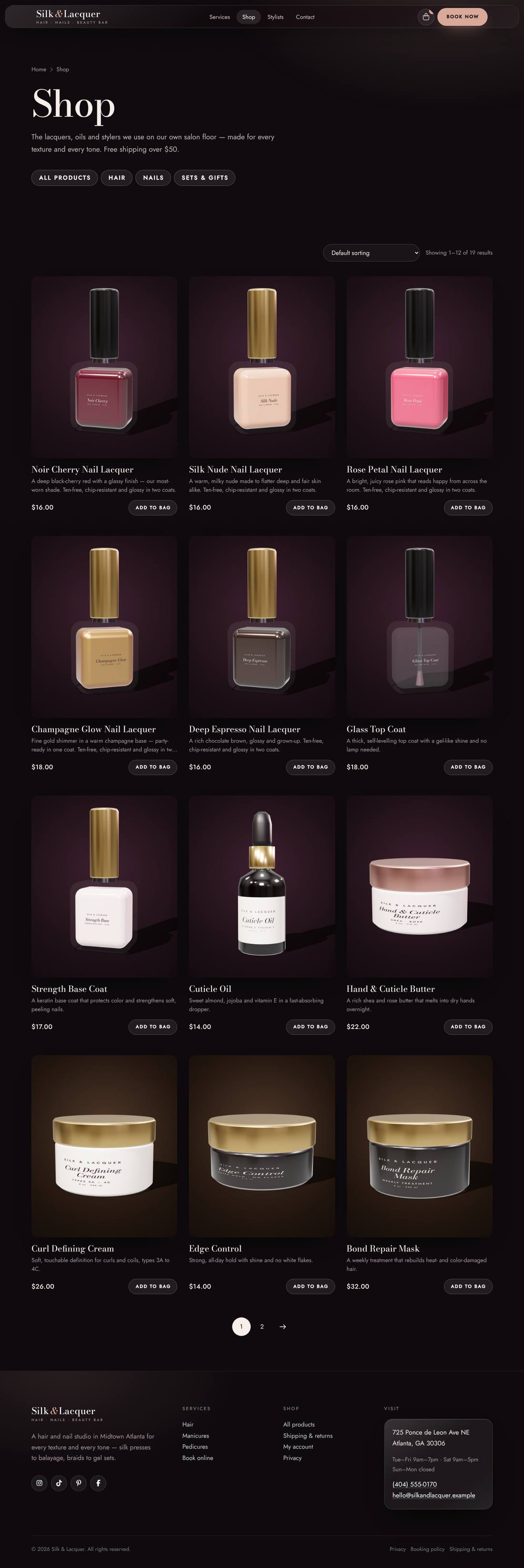
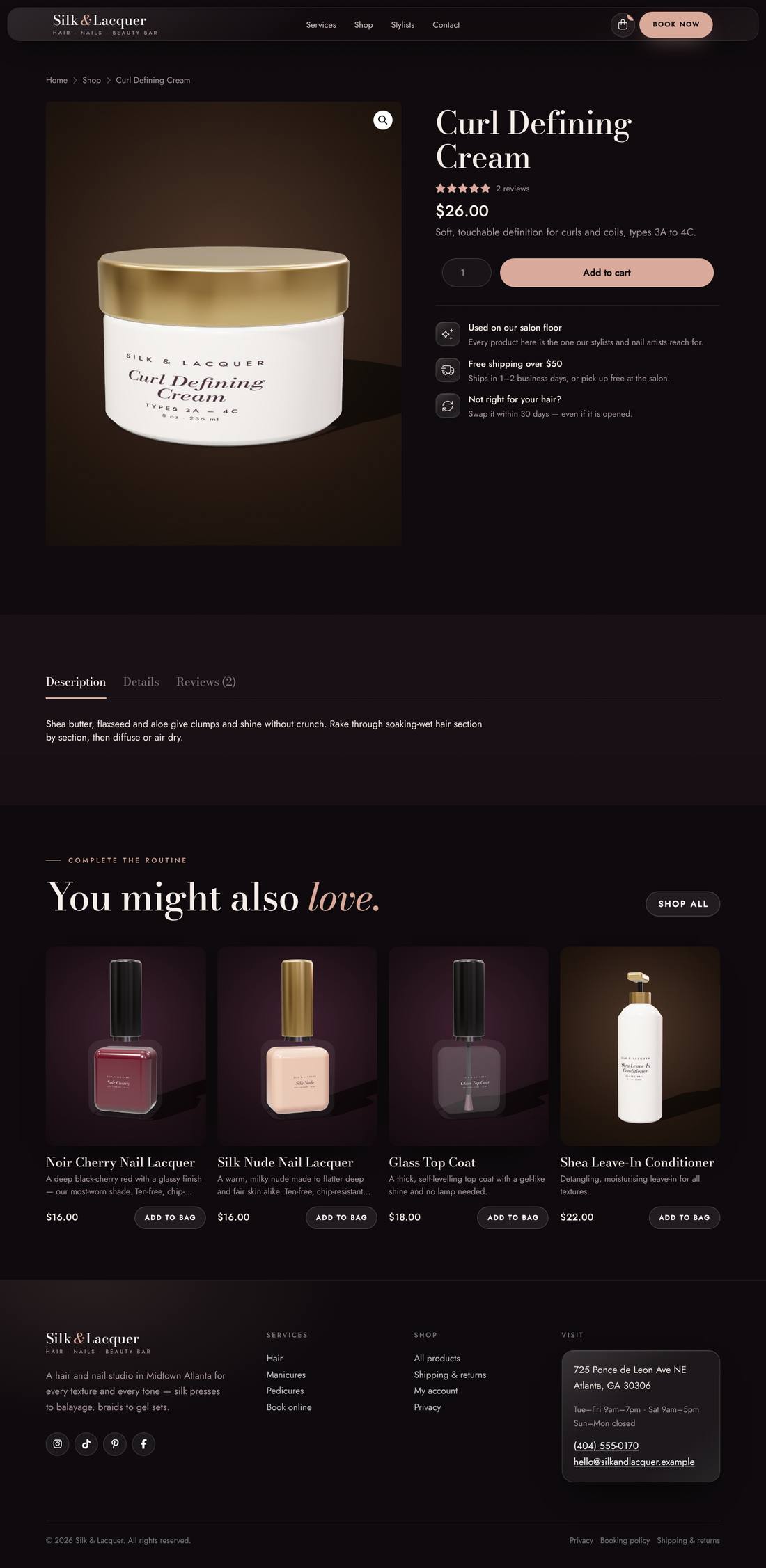
A cinematic, velvet-dark website for a hair and nail salon that serves every texture and every tone. The home page opens like a film: letterbox bars pull back, a spotlight warms up over a still life of the salon’s own products, silk ribbons drift through the frame and the headline rises line by line. Hair services (silk press, knotless braids, locs, natural styling, relaxers, cuts, balayage and color), manicures and pedicures are pre-loaded into Amelia with five artists and opening hours. The WooCommerce shop comes with 19 hair, nail and gift-set products, each with its own studio product shot, plus styled shop, product, bag, checkout and account pages, free-shipping and local-pickup shipping, a 1A–4C “every texture” section, team, reviews and FAQs.

Highlights

  • Amelia booking pre-loaded: 15 hair, manicure and pedicure services with add-ons, 5 artists and Tue–Sat hours
  • WooCommerce shop with 19 products (hair, nails, gift sets) and original studio product photography
  • Services for every hair type — silk press, braids, locs, natural styling, relaxers, cuts, balayage and color
  • Cinematic hero: letterbox open, spotlight still life, drifting silk ribbons, masked headline, film grain
  • Shipping set up for you: $6 flat rate, free over $50 and free salon pickup
  • Styled shop, product, bag, checkout and account pages plus a slide-out mini bag
  • Respects reduced-motion settings
  • Journal with category filters, three sample articles and custom blog archive and article layouts

Pages included

  • Home
  • Services
  • Book
  • Shop
  • Stylists
  • Contact
  • Shipping & Returns
  • Cart
  • Checkout
  • My Account
  • The Edit
  • Blog article
  • Privacy Policy

What you need

  • Required
    Pro theme or CornerstoneThe template is a Cornerstone export (.tco) — built with native Cornerstone elements, fully responsive.
  • Required
    AmeliaOnline booking — add your services, staff and hours in Amelia after importing
  • Required
    WooCommerceRuns the hair and nail product shop
  • Required
    Cornerstone FormsAdds the contact form

How installation works

  1. Make sure the Pro theme or the Cornerstone plugin is active, and install and activate Amelia, WooCommerce, Cornerstone Forms first.
  2. In WordPress, open Cornerstone › Templates, click Import and upload the .tco file. Pages, headers, footers, layouts, images, colours and fonts are added to your site.
  3. Go to Settings › Reading, choose A static page and set Homepage to “Home”.
  4. Make sure WooCommerce’s Shop, Cart, Checkout and My account pages exist — if not, use WooCommerce › Status › Tools › Create default WooCommerce pages.
  5. Add the sample products: Products › Import → upload the sample-products.csv file → Run the importer. Categories, prices, variations and product photos are created for you (photos download automatically). Replace them with your own products whenever you like.
  6. In Amelia › Services add your services with prices and durations, then add your team under Amelia › Employees and set their working hours. The Book page shows them automatically. Match the booking form to the site in Amelia › Customize.
  7. Forms send to your site’s admin email (Settings › General). To use another address, edit the form’s Email action in Cornerstone.
  8. Replace the sample text, photos and contact details with your own in Cornerstone — and you’re live.

More templates

See all →
Apex Motors
Automotive

Apex Motors

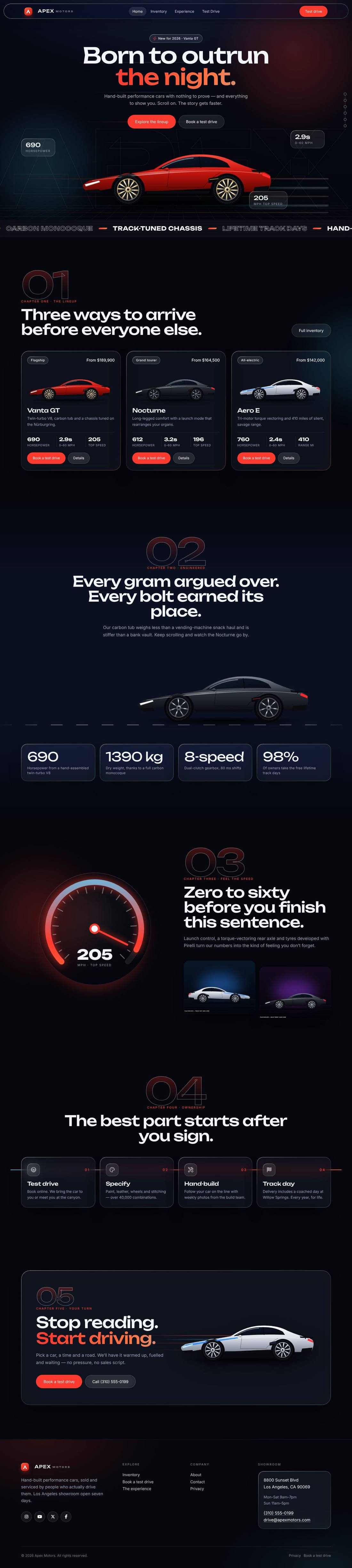
A liquid-glass sports car site told as a story: cars drive in, cross the screen as you scroll and a speedometer sweeps into view.
$59 Details
Smash & Ember Burgers
Food & Drink

Smash & Ember Burgers

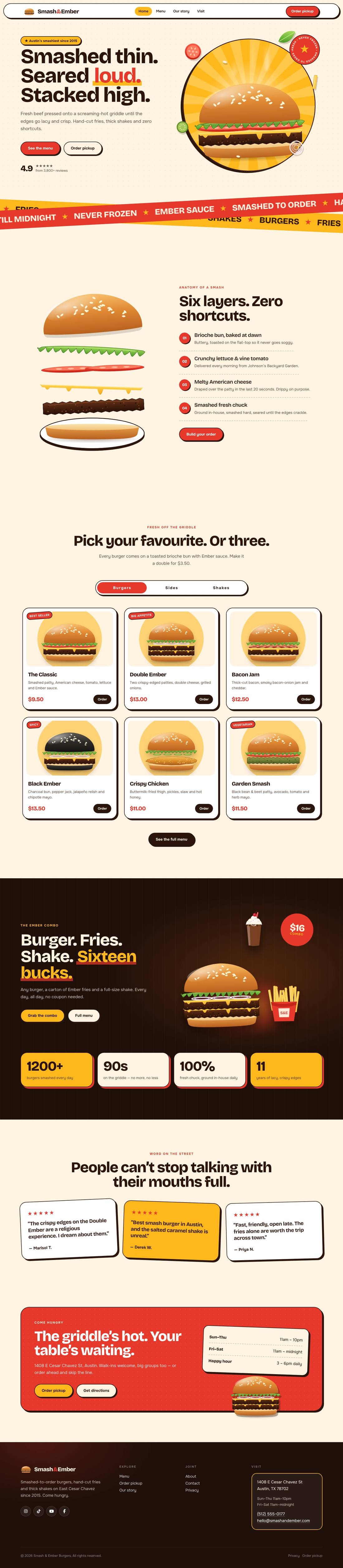
A mouth-watering animated burger joint: the burger builds itself layer by layer, pulls apart as you scroll and fries fly around the page.

$59 Details