Malik Stone — Artist

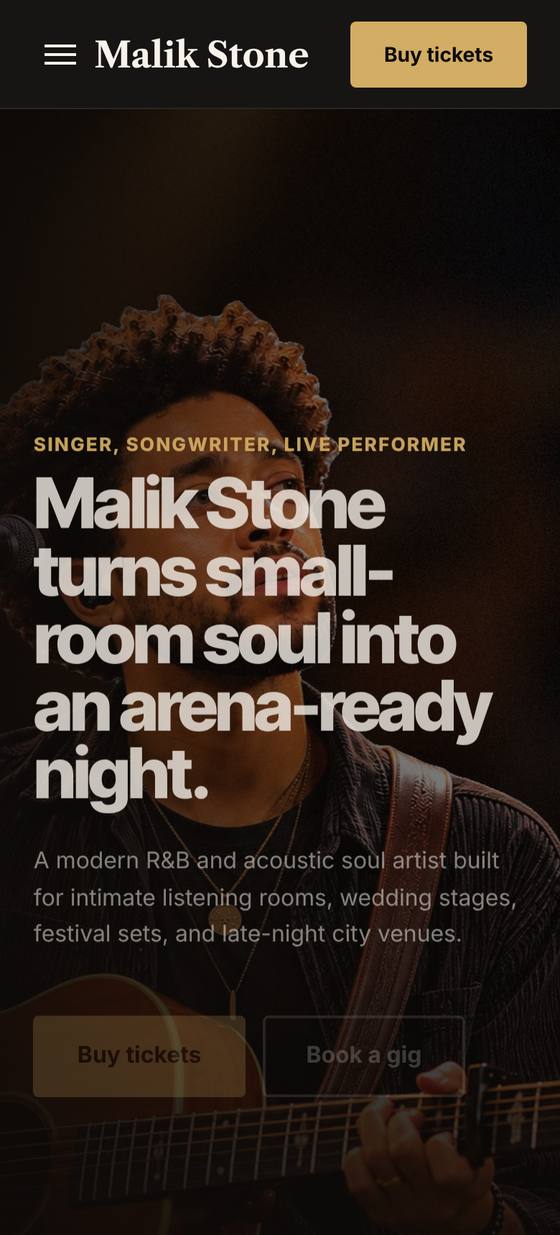
A cinematic dark website for a touring musician: tour dates, music, booking and merch.

About this template

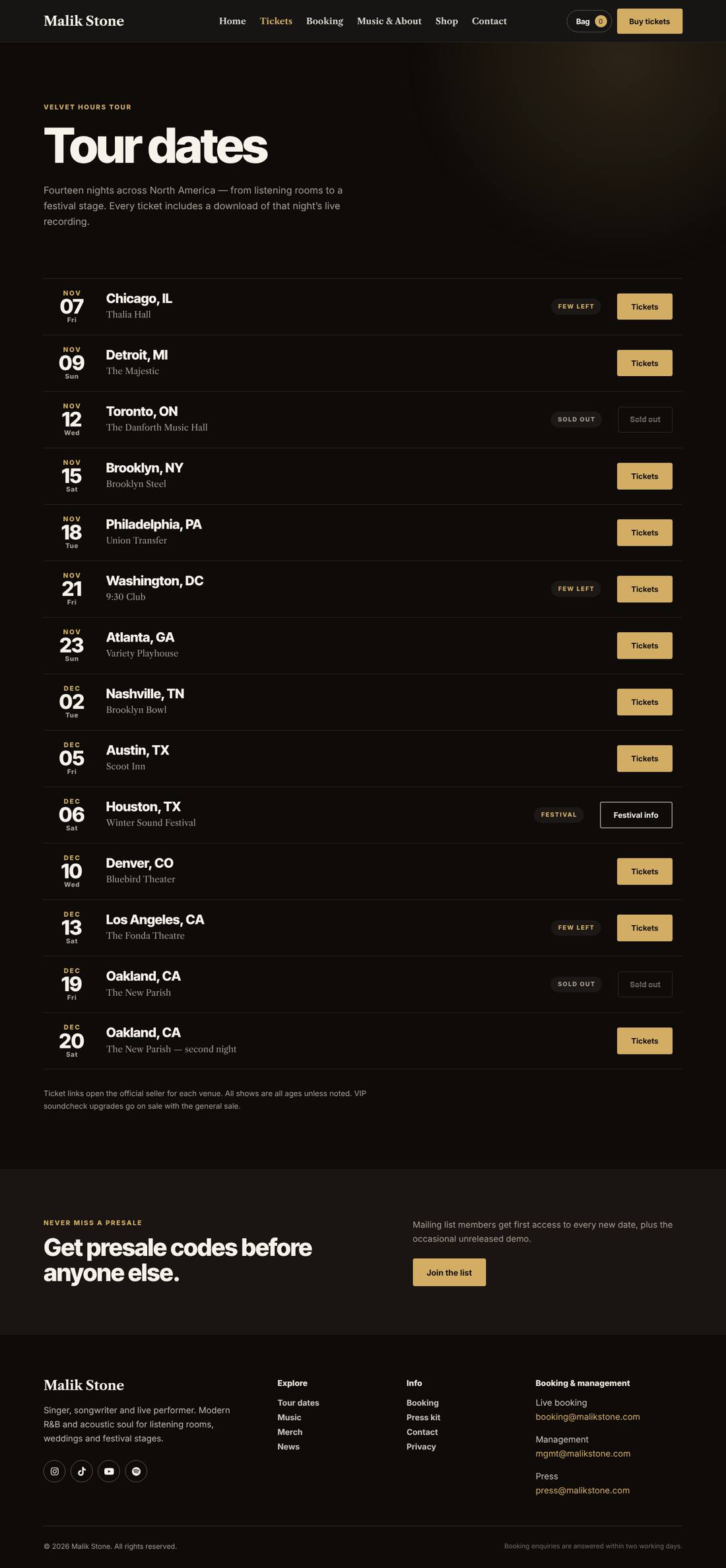
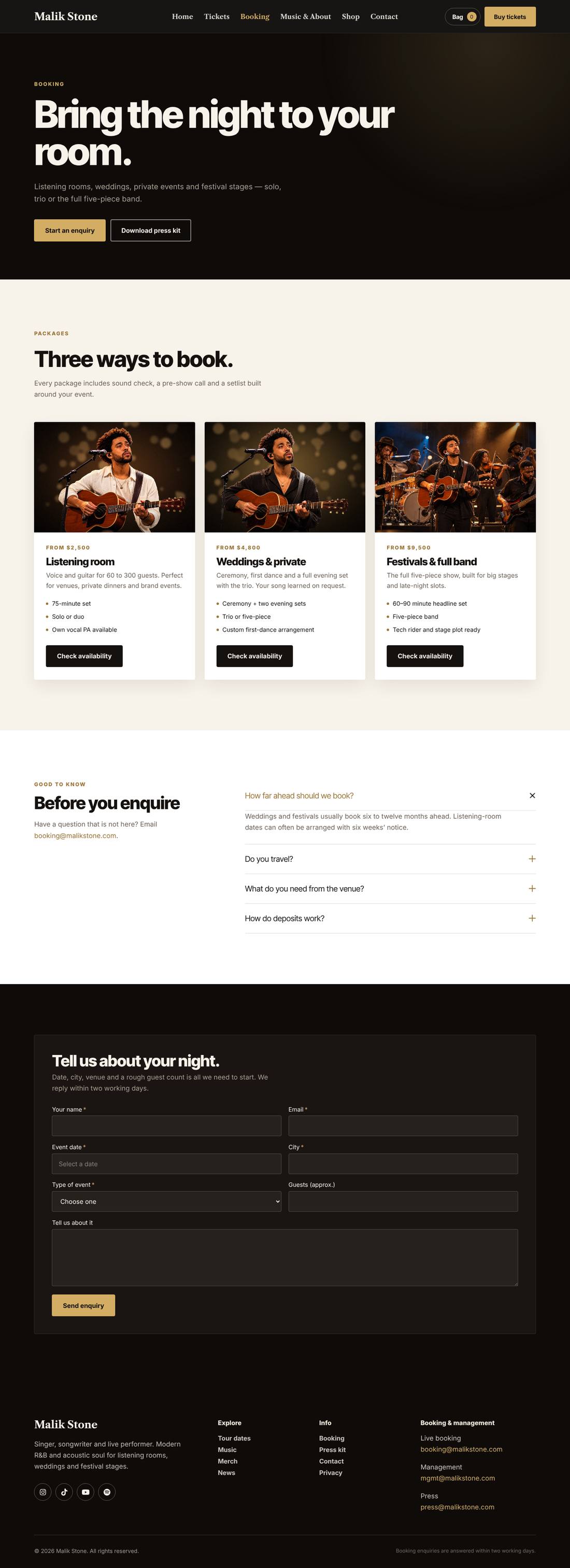
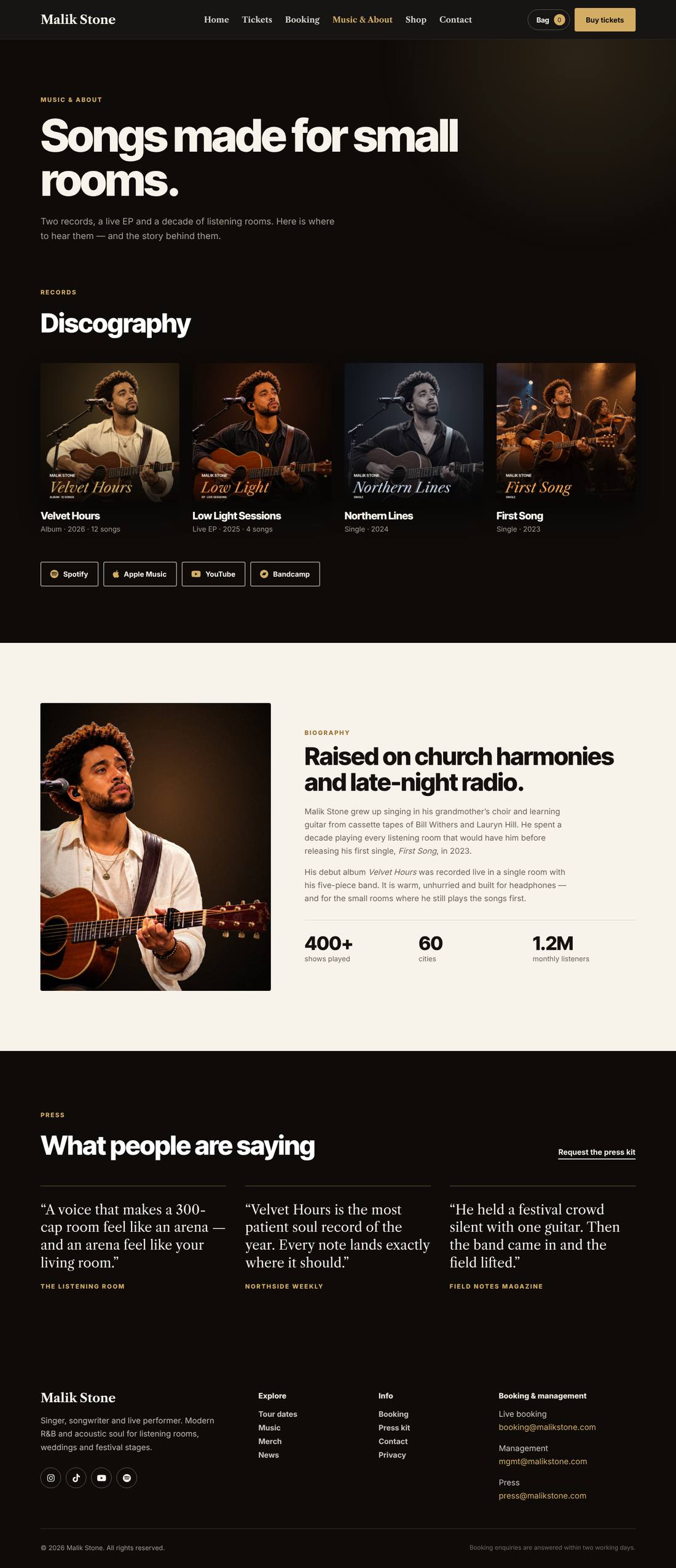
A full website for a singer or band built entirely with Cornerstone. A full-screen spotlight hero with a next-show card, a scrolling press marquee, tour dates with sold-out and few-left states, the latest album with tracklist and streaming links, a live video feature, booking packages with an enquiry form, discography and biography, a merch shop (with WooCommerce) and news. Every image is a labelled placeholder sized for your own photography.

Highlights

  • Full-screen spotlight hero with entrance animation and a live “next show” card
  • Tour dates with on-sale, few-left, sold-out and festival states
  • Album feature with tracklist and Spotify, Apple Music, YouTube and Bandcamp links
  • Booking packages and an enquiry form (Cornerstone Forms)
  • Optional merch shop with cart and checkout (WooCommerce)
  • Labelled image placeholders sized for your own photos

Pages included

  • Home
  • Tickets
  • Booking
  • Music & About
  • Shop
  • Contact
  • News
  • News post
  • Privacy Policy
  • Cart & checkout (with WooCommerce)

What you need

  • Required
    Pro theme or CornerstoneThe template is a Cornerstone export (.tco) — built with native Cornerstone elements, fully responsive.
  • Required
    Cornerstone FormsAdds the booking, mailing list and contact forms
  • Optional
    WooCommerceAdds the merch shop, cart and checkout

How installation works

  1. Make sure the Pro theme or the Cornerstone plugin is active, and install and activate Cornerstone Forms first.
  2. In WordPress, open Cornerstone › Templates, click Import and upload the .tco file. Pages, headers, footers, layouts, images, colours and fonts are added to your site.
  3. Go to Settings › Reading, choose A static page and set Homepage to “Home”.
  4. Make sure WooCommerce’s Shop, Cart, Checkout and My account pages exist — if not, use WooCommerce › Status › Tools › Create default WooCommerce pages. (Only needed if you want the merch shop.)
  5. Add the sample products: Products › Import → upload the sample-products.csv file → Run the importer. Categories, prices, variations and product photos are created for you (photos download automatically). Replace them with your own products whenever you like.
  6. Forms send to your site’s admin email (Settings › General). To use another address, edit the form’s Email action in Cornerstone.
  7. Replace the sample text, photos and contact details with your own in Cornerstone — and you’re live.

More templates

See all →
Apex Motors
Automotive

Apex Motors

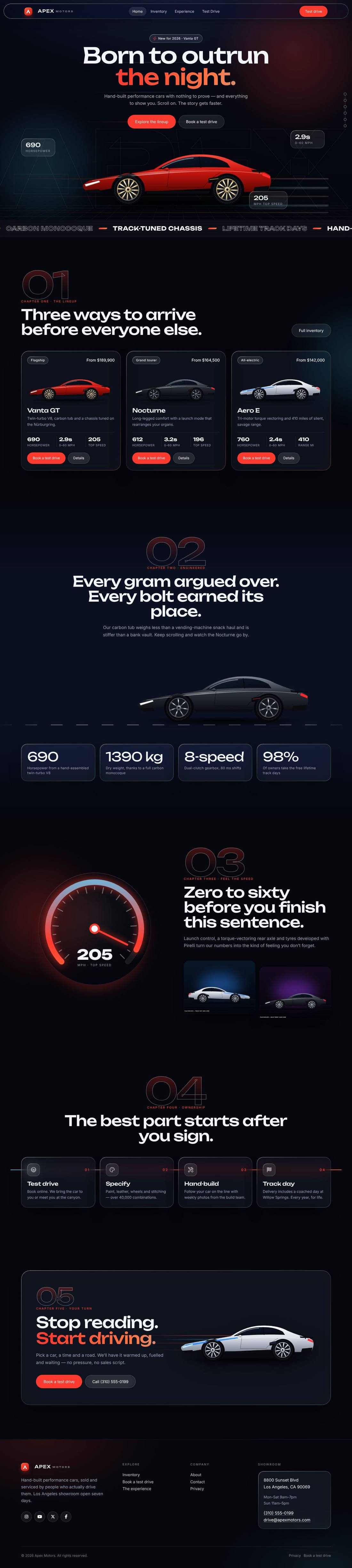
A liquid-glass sports car site told as a story: cars drive in, cross the screen as you scroll and a speedometer sweeps into view.
$59 Details
Smash & Ember Burgers
Food & Drink

Smash & Ember Burgers

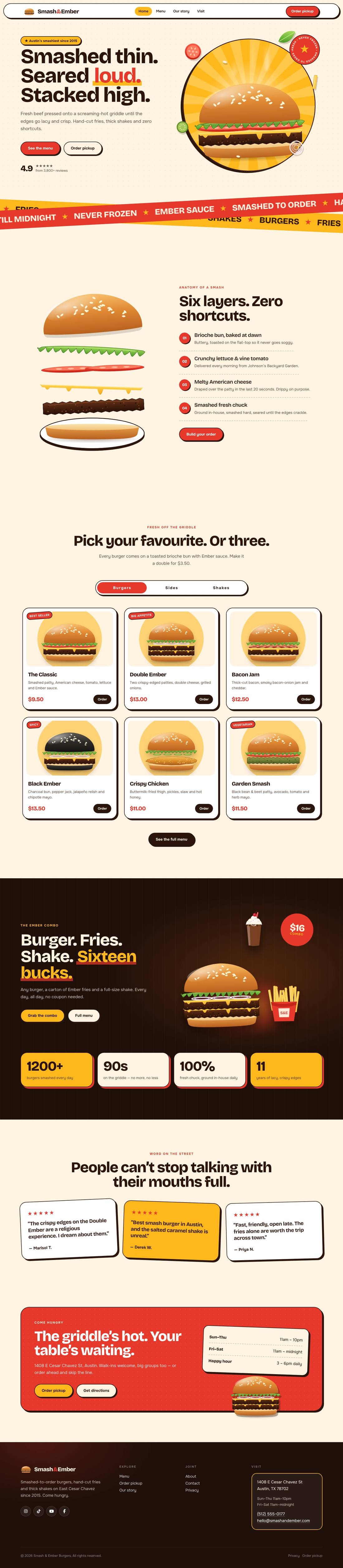
A mouth-watering animated burger joint: the burger builds itself layer by layer, pulls apart as you scroll and fries fly around the page.

$59 Details