
Fusion Digital Dynamics
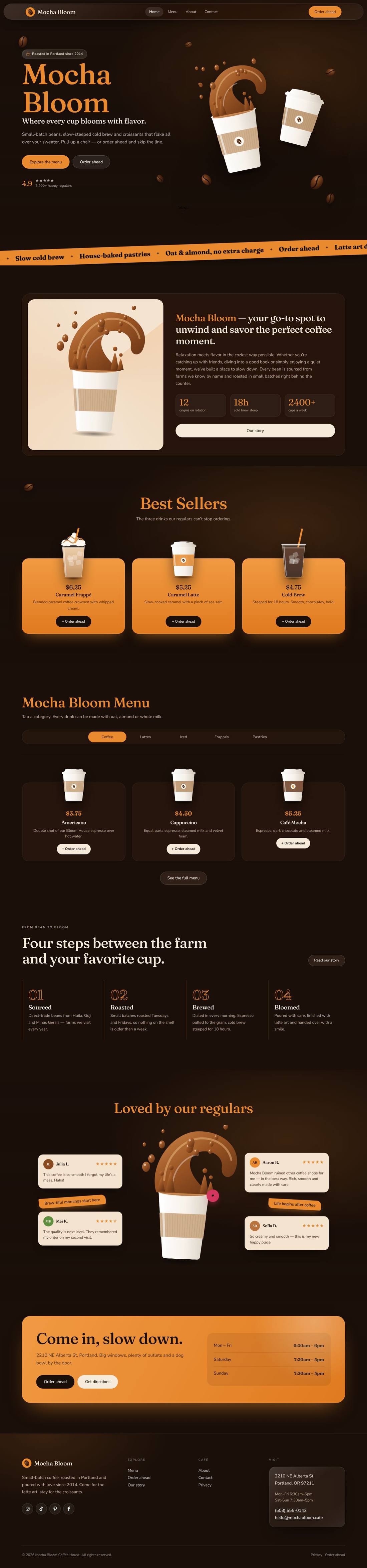
Mocha Bloom Coffee House
An animated coffee house site: splashing cups, floating beans, a silky drifting backdrop and a tabbed menu.
$59
Details
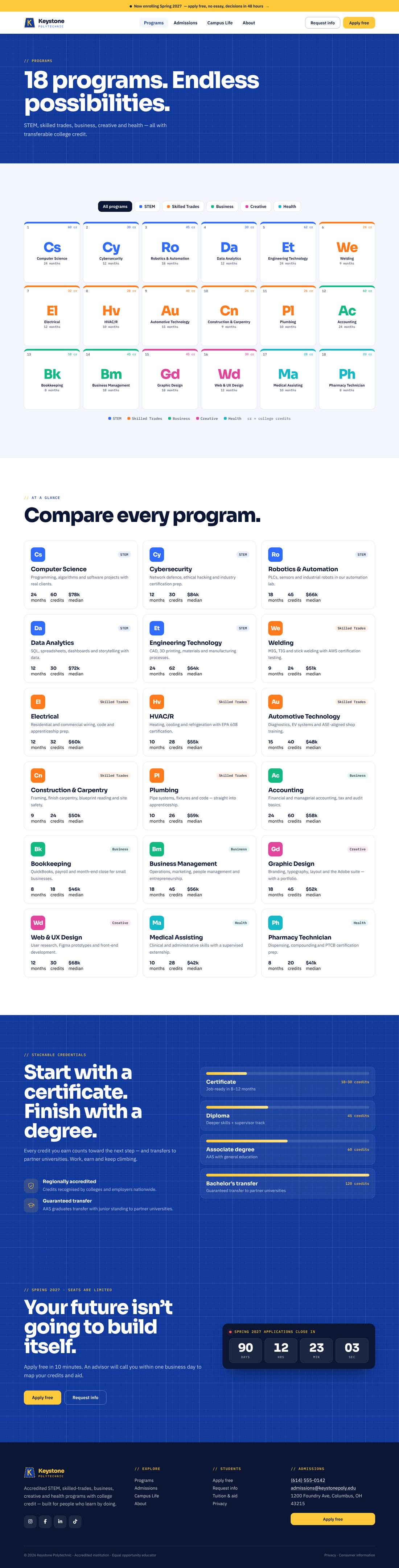
A bold blueprint-style website for a career school that’s actively enrolling — STEM, skilled trades, business, creative and health programs with college credit.


Scroll inside the preview to see the whole page.
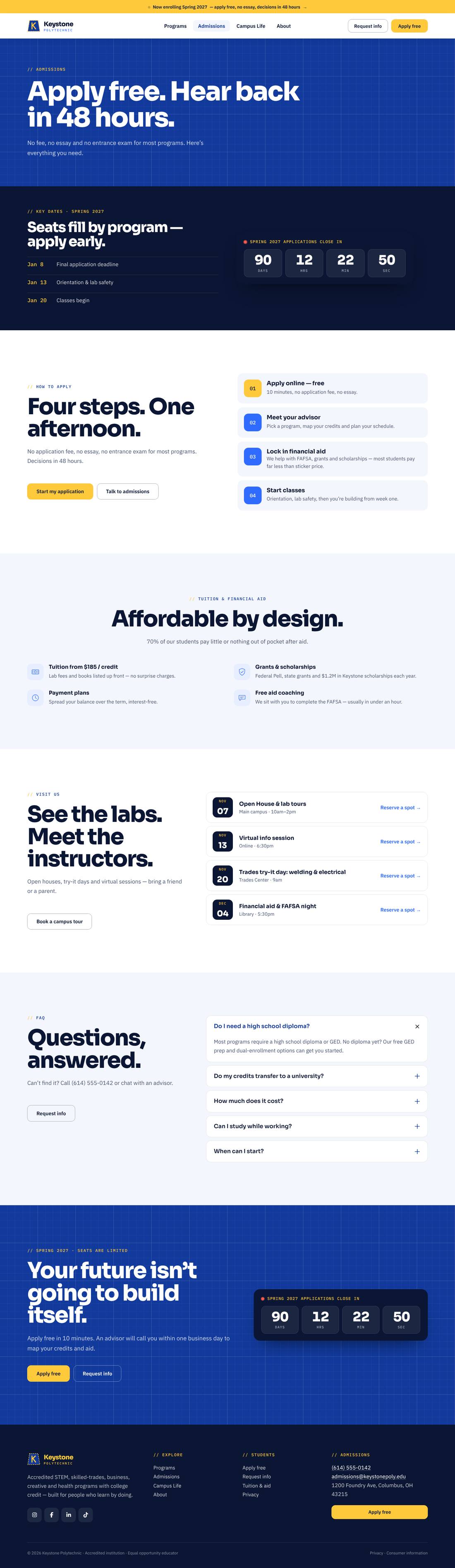
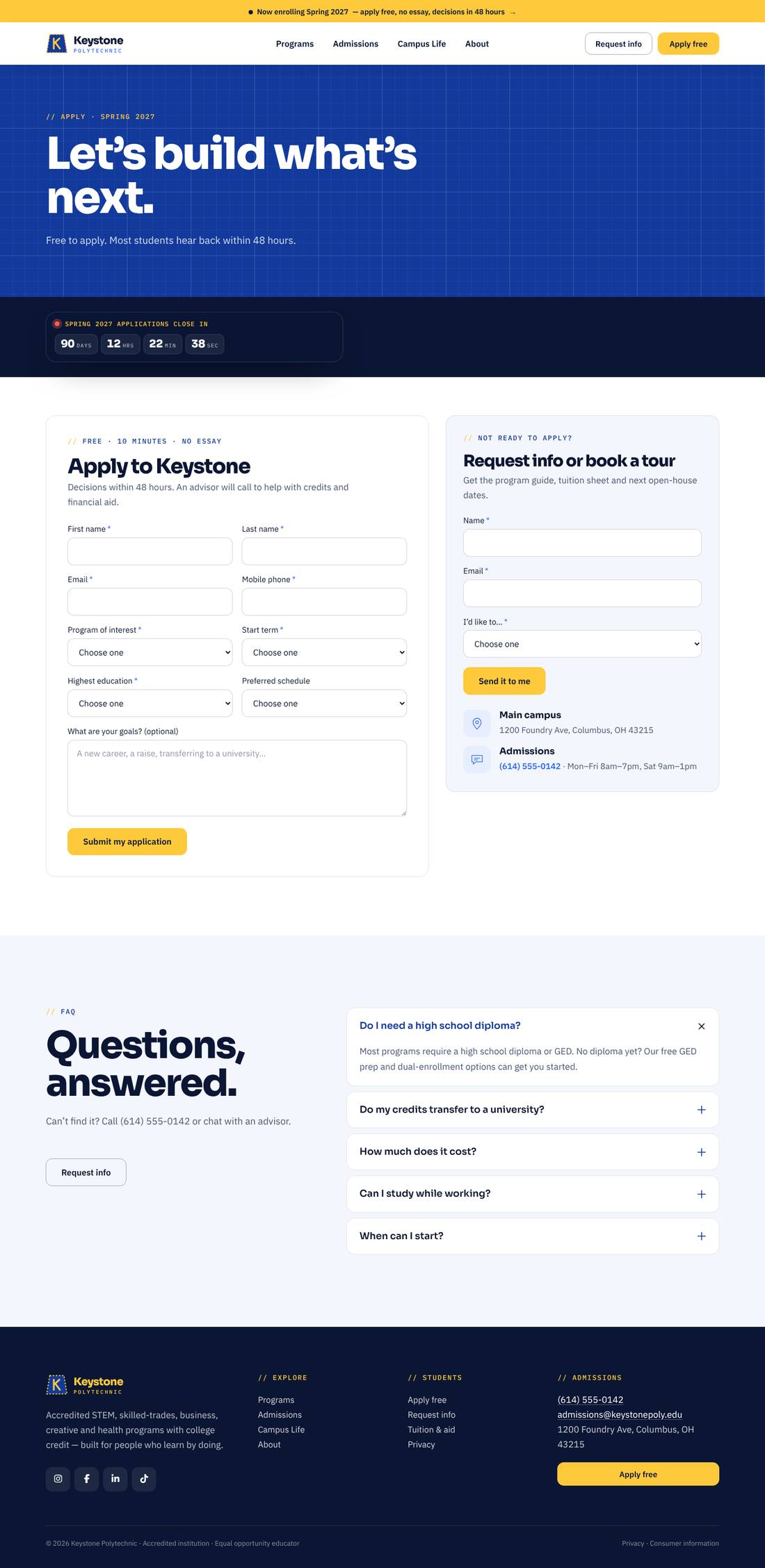
A high-converting admissions website for a polytechnic or career college, built around a blueprint theme: deep blueprint-blue sections with grid lines, a technical drawing that plots itself in the hero (gear, circuit traces, dimensions and a title block signed “Drawn by: You”), and safety-yellow calls to action. A live countdown shows exactly how long until the application deadline. The program finder is a filterable “periodic table” of 18 programs across five colour-coded pathways — tiles flip to reveal credits, credential and median salary. A stackable-credentials ladder animates from certificate to bachelor’s transfer, alongside counters, a four-step admissions track, student outcomes, events and FAQs. Includes Programs, Admissions (deadline, tuition & aid), Campus Life (labs), About and Apply pages with an application form and a request-info / tour form.
.tco file. Pages, headers, footers, layouts, images, colours and fonts are added to your site.
An animated coffee house site: splashing cups, floating beans, a silky drifting backdrop and a tabbed menu.
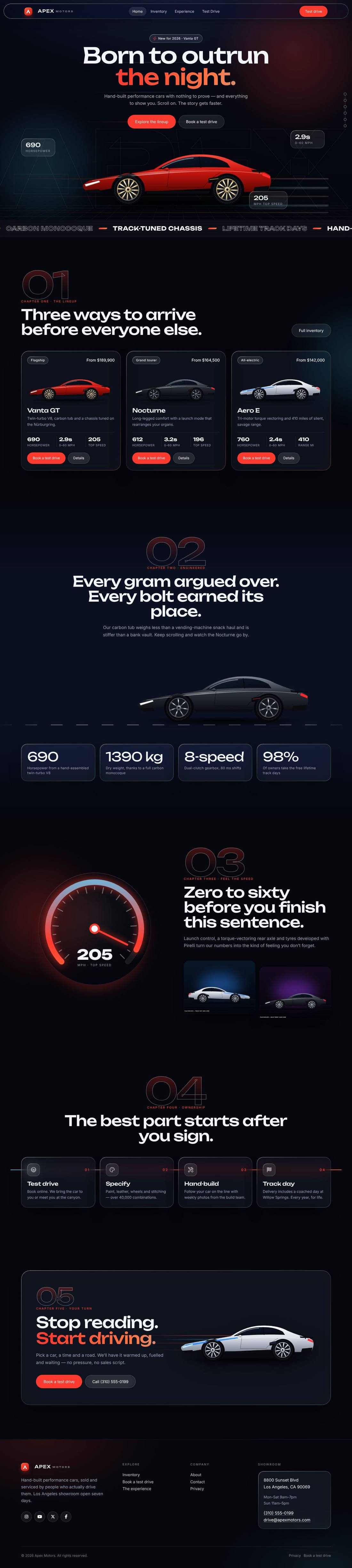
A liquid-glass sports car site told as a story: cars drive in, cross the screen as you scroll and a speedometer sweeps into view.
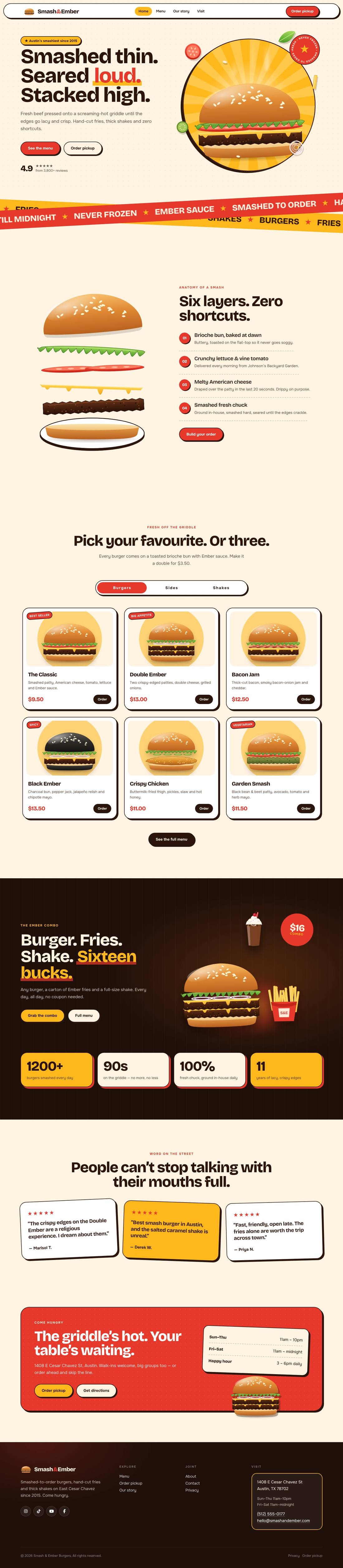
A mouth-watering animated burger joint: the burger builds itself layer by layer, pulls apart as you scroll and fries fly around the page.