Fusion Coffee

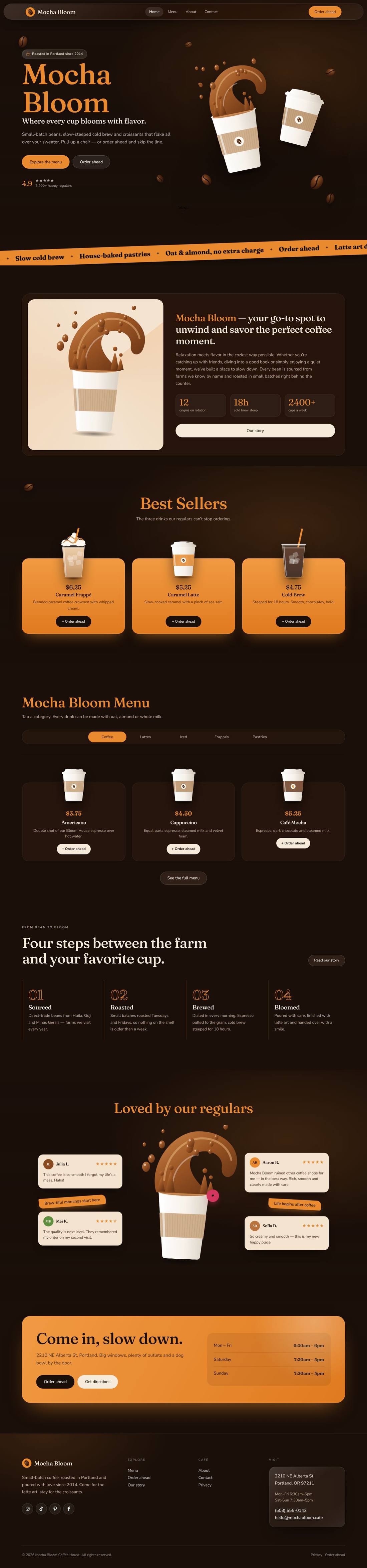
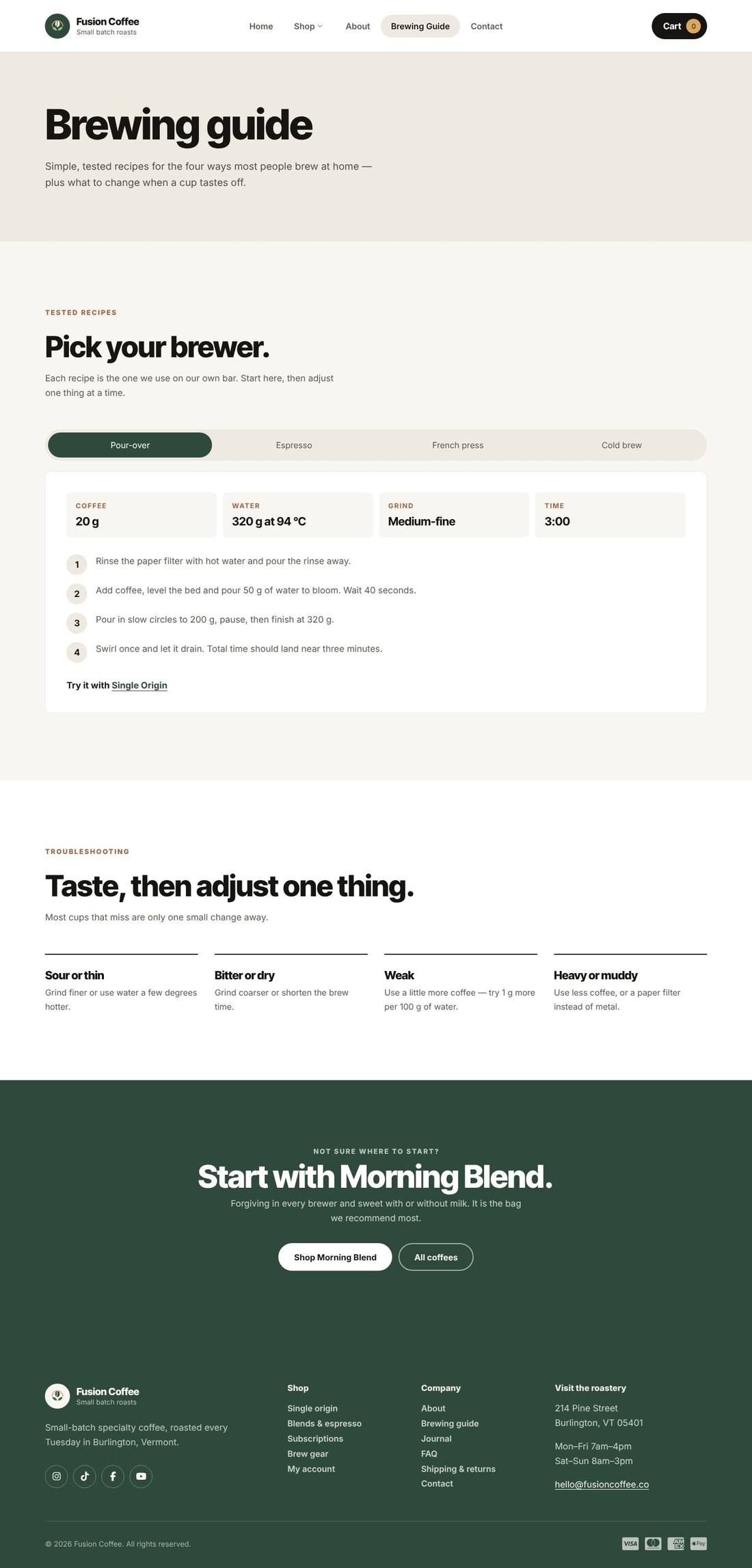
A clean, photo-led coffee shop with a full-bleed hero, signature coffees and a brewing guide.

About this template

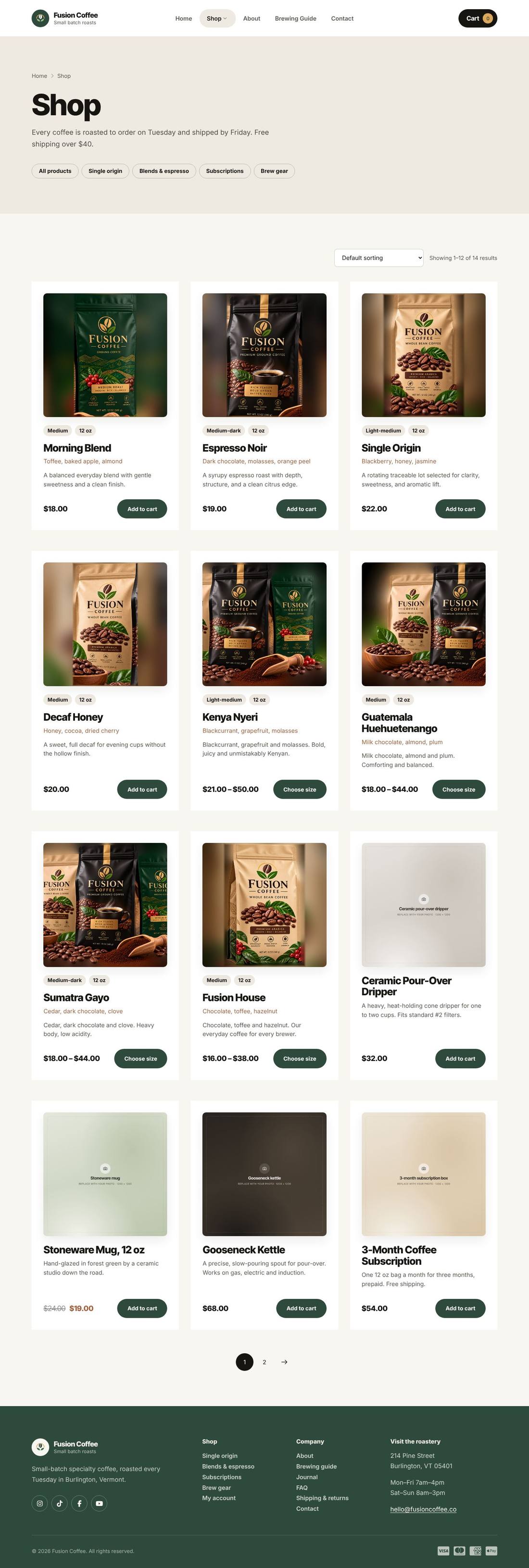
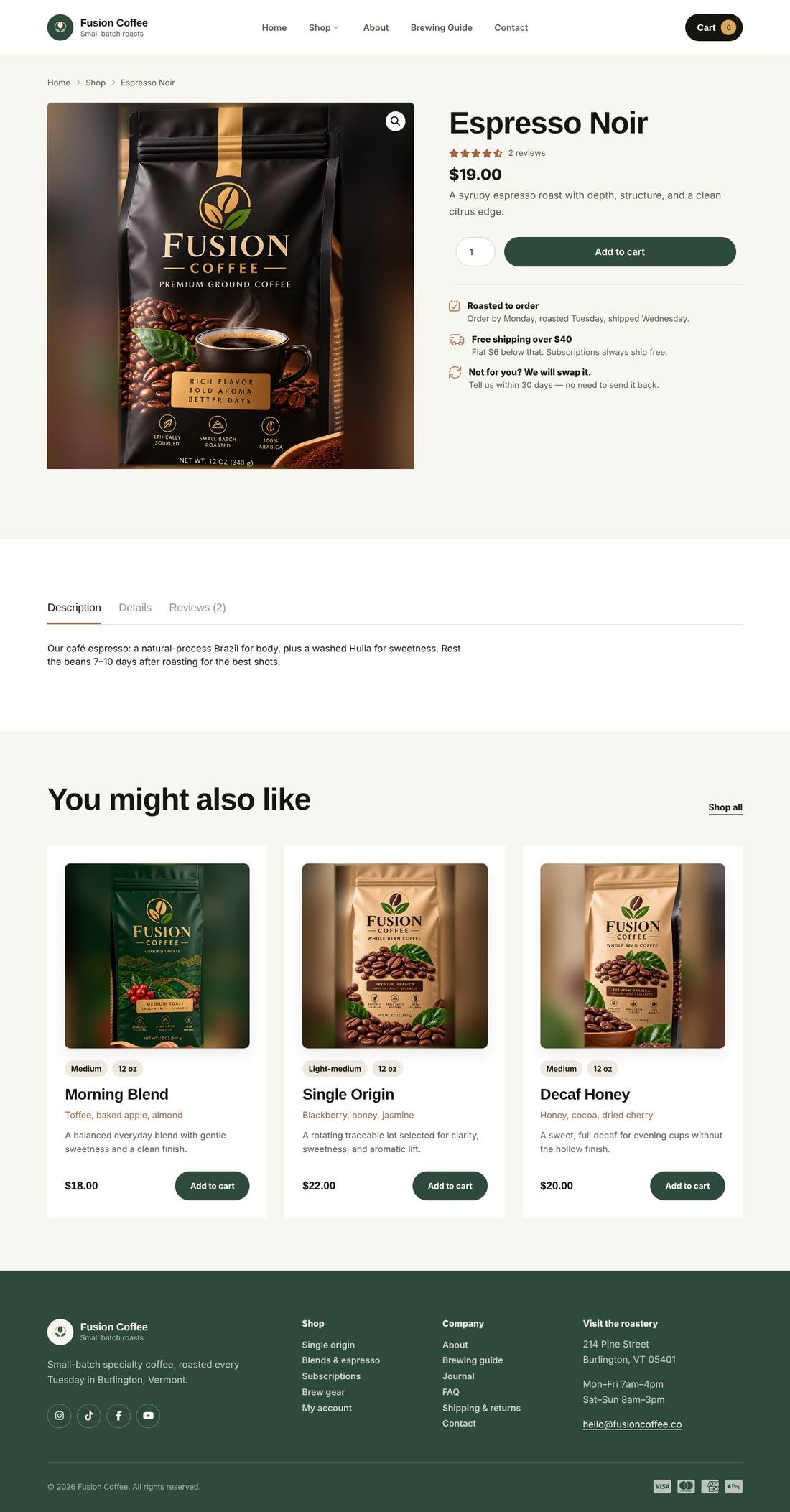
A modern WooCommerce coffee shop built entirely with Cornerstone: a full-bleed photo hero with stat cards, four one-click signature coffees on a forest-green band, a tabbed brewing guide, subscriptions, a journal and custom shop and product layouts. Ships with real Fusion Coffee packaging and product photography; every image lives in the Media Library, so swapping in your own updates the whole site.

Highlights

  • Full-bleed photo hero with floating stat cards
  • Sticky header with pill navigation, mobile menu and a slide-out cart
  • One-click add to cart for the four signature coffees
  • Tabbed brewing guide with tested recipes
  • Shop and single-product layouts built with Pro’s Layout Builder
  • Variable coffee products with size and grind options
  • Global colors and fonts — restyle the whole site in one place
  • Journal with category filters and custom blog layouts
  • Branded packaging photography for every coffee, ready to swap for your own

Pages included

  • Home
  • About
  • Brewing Guide
  • Subscriptions
  • Contact
  • FAQ
  • Shipping & Returns
  • Privacy Policy
  • Shop
  • Journal
  • Product page
  • Cart & checkout

What you need

  • Required
    Pro theme or CornerstoneThe template is a Cornerstone export (.tco) — built with native Cornerstone elements, fully responsive.
  • Required
    WooCommerceRuns the shop, cart and checkout
  • Required
    Cornerstone FormsAdds the contact form

How installation works

  1. Make sure the Pro theme or the Cornerstone plugin is active, and install and activate WooCommerce, Cornerstone Forms first.
  2. In WordPress, open Cornerstone › Templates, click Import and upload the .tco file. Pages, headers, footers, layouts, images, colours and fonts are added to your site.
  3. Go to Settings › Reading, choose A static page and set Homepage to “Home”.
  4. Make sure WooCommerce’s Shop, Cart, Checkout and My account pages exist — if not, use WooCommerce › Status › Tools › Create default WooCommerce pages.
  5. Add the sample products: Products › Import → upload the sample-products.csv file → Run the importer. Categories, prices, variations and product photos are created for you (photos download automatically). Replace them with your own products whenever you like.
  6. Forms send to your site’s admin email (Settings › General). To use another address, edit the form’s Email action in Cornerstone.
  7. Replace the sample text, photos and contact details with your own in Cornerstone — and you’re live.

More templates

See all →
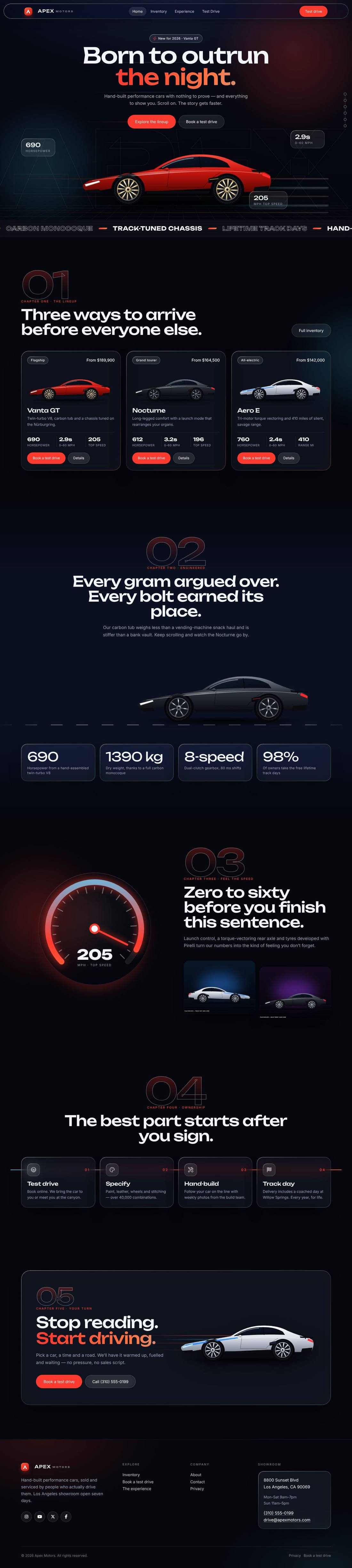
Apex Motors
Automotive

Apex Motors

A liquid-glass sports car site told as a story: cars drive in, cross the screen as you scroll and a speedometer sweeps into view.
$59 Details
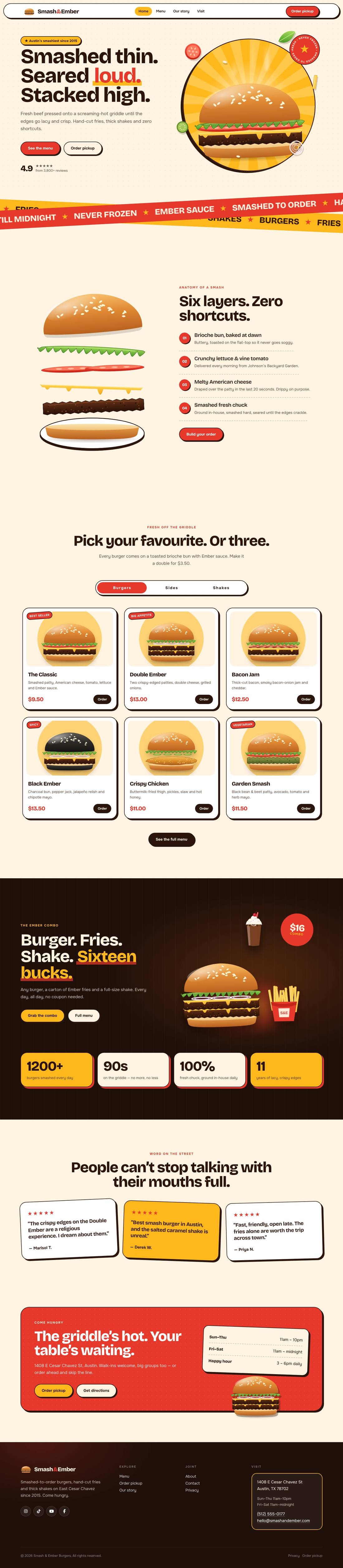
Smash & Ember Burgers
Food & Drink

Smash & Ember Burgers

A mouth-watering animated burger joint: the burger builds itself layer by layer, pulls apart as you scroll and fries fly around the page.

$59 Details