
Fusion Digital Dynamics
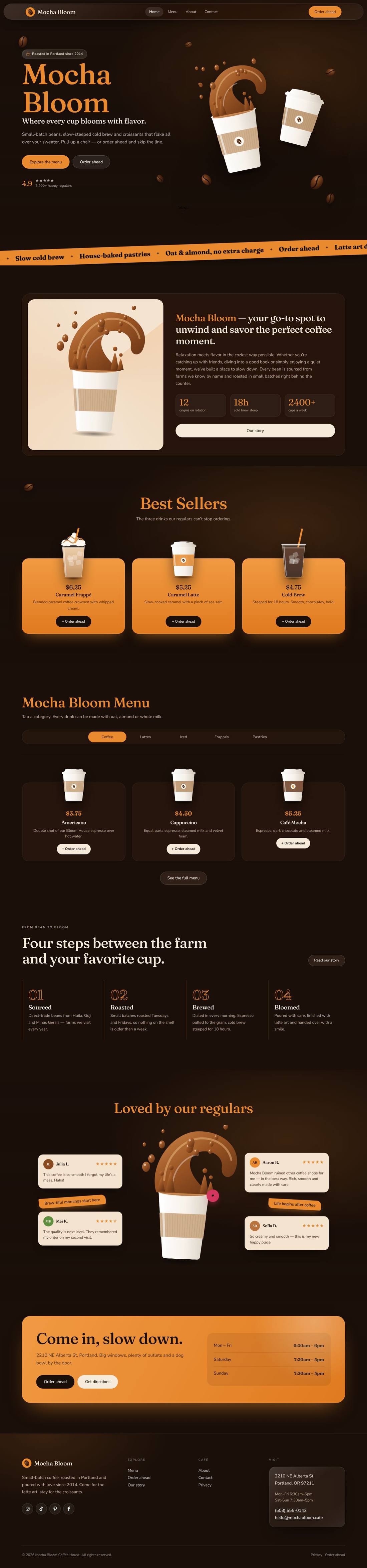
Mocha Bloom Coffee House
An animated coffee house site: splashing cups, floating beans, a silky drifting backdrop and a tabbed menu.
$59
Details
A full home & lifestyle store: category navigation, deals, best sellers and a newsletter.
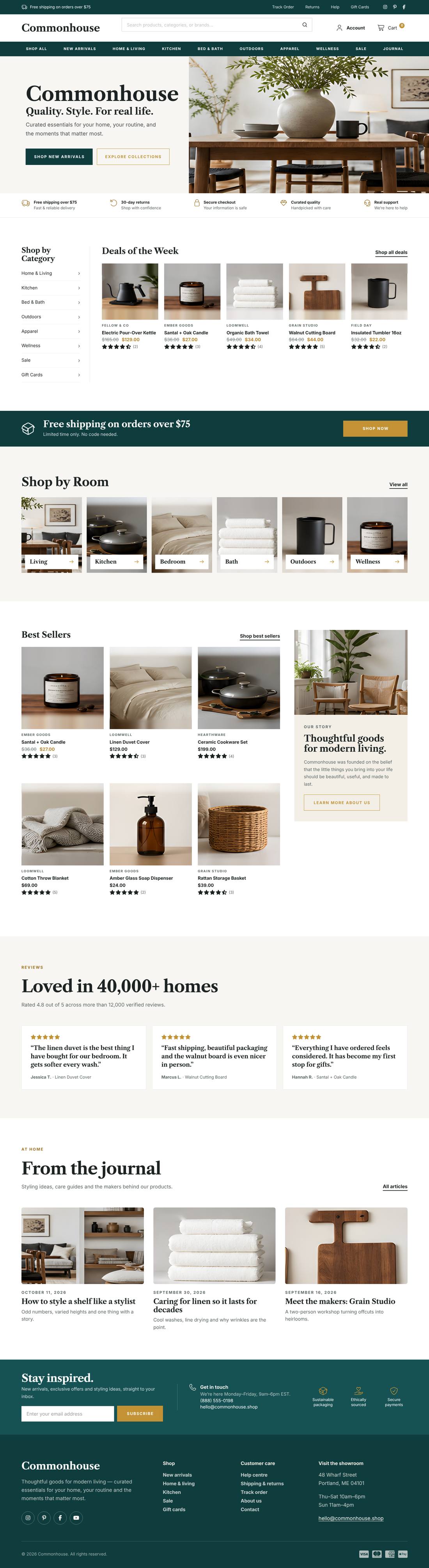
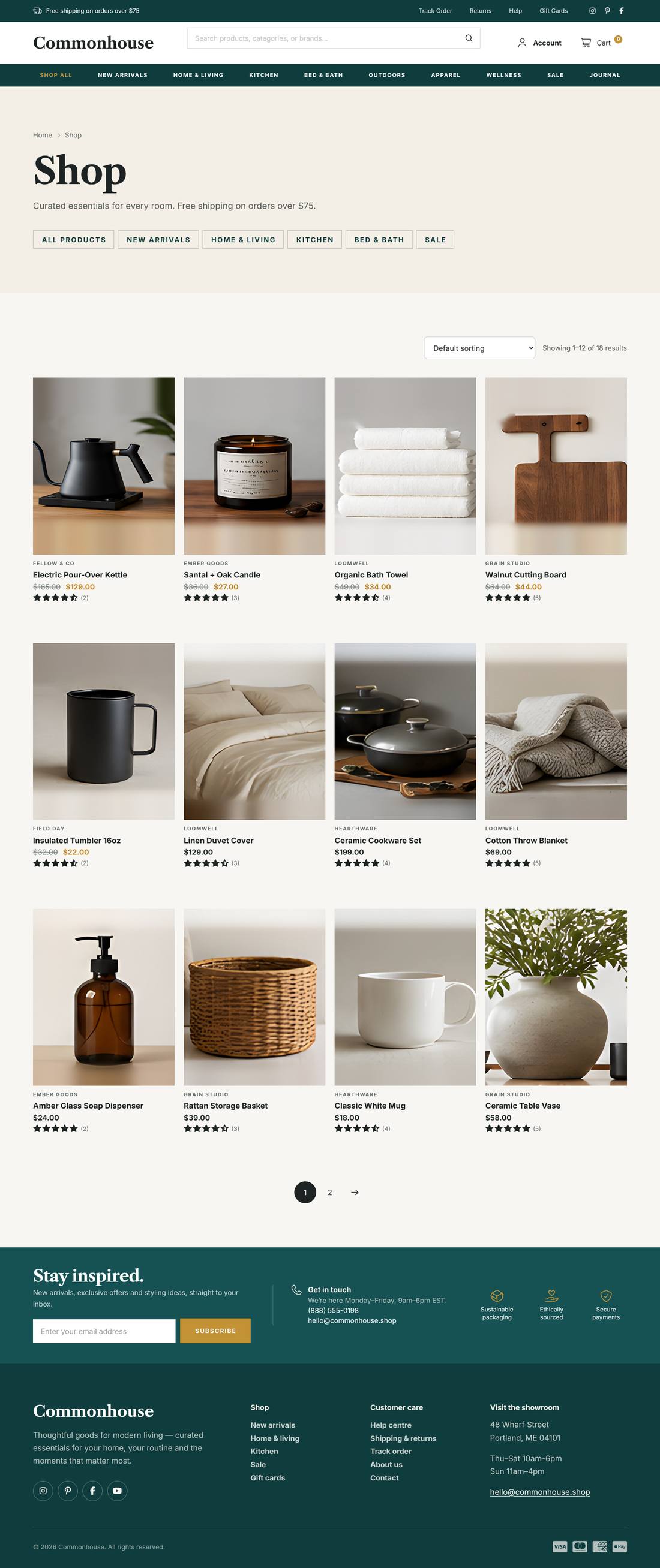
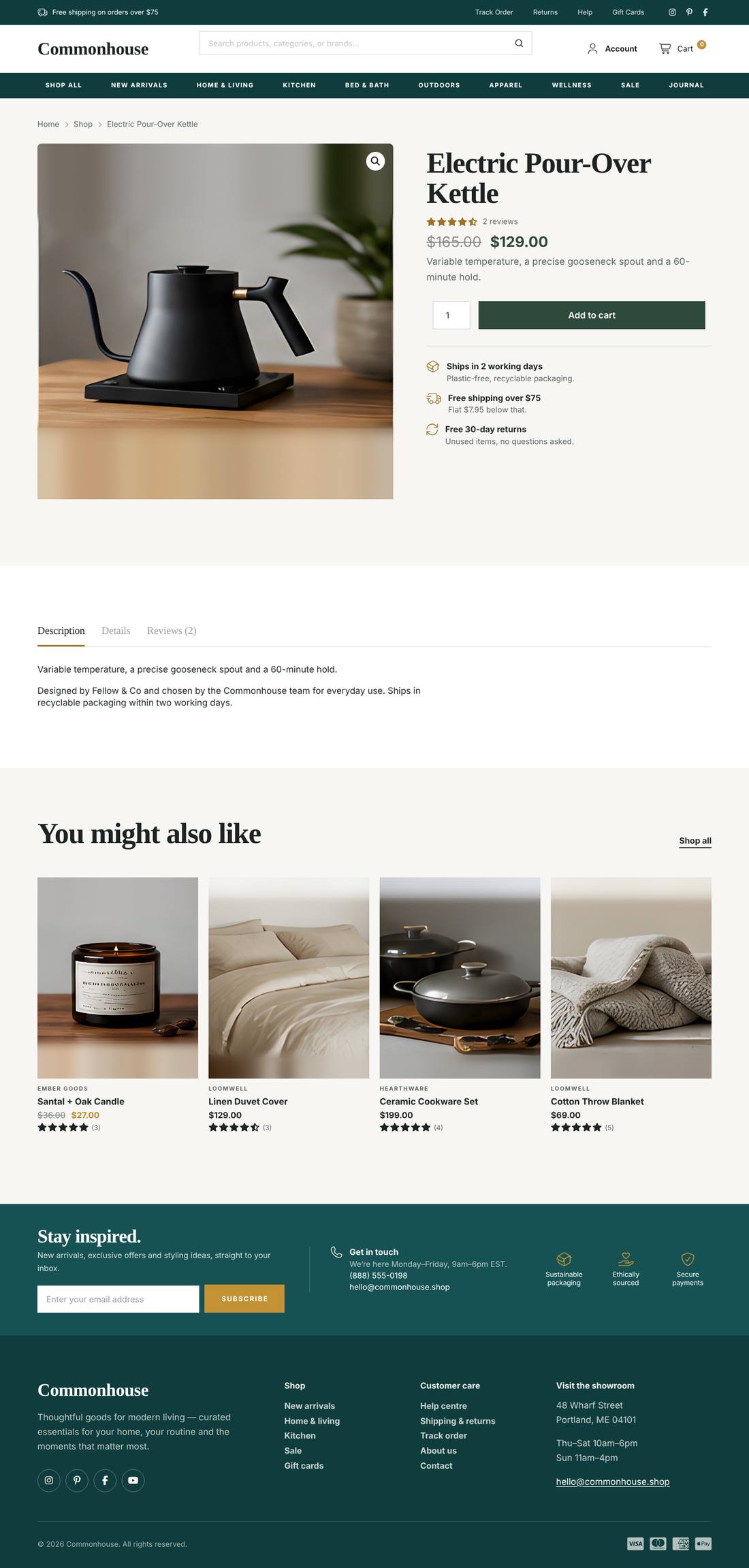
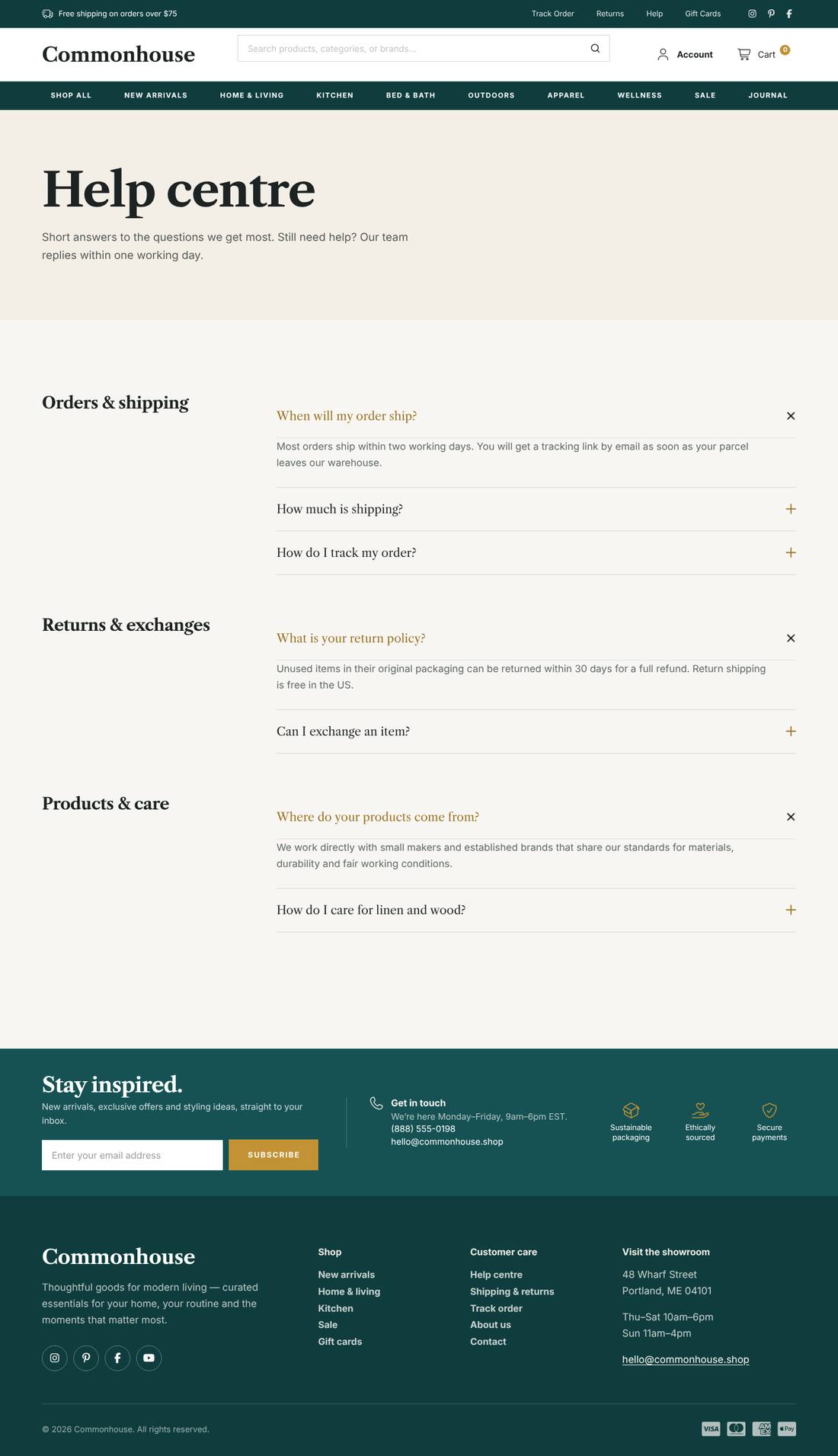
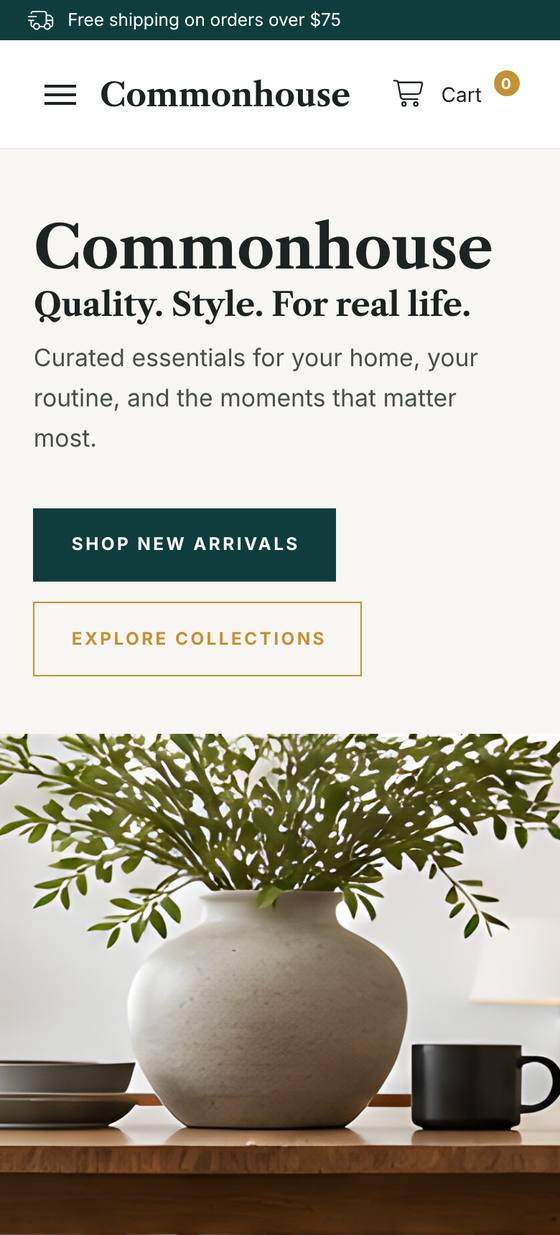
Scroll inside the preview to see the whole page.
A multi-category WooCommerce marketplace built entirely with Cornerstone. A utility bar, product search, category navigation and slide-out cart; a split hero, trust bar, category sidebar with Deals of the Week, a free-shipping promo band, Shop by Room tiles, Best Sellers with an Our Story panel, reviews and a journal. Comes with a sample-products file for 18 products across 8 categories with sale prices, plus Help, Shipping & Returns, Track Order, About and Contact pages. Every image is a labelled placeholder sized for your own product photography.
.tco file. Pages, headers, footers, layouts, images, colours and fonts are added to your site.sample-products.csv file → Run the importer. Categories, prices, variations and product photos are created for you (photos download automatically). Replace them with your own products whenever you like.
An animated coffee house site: splashing cups, floating beans, a silky drifting backdrop and a tabbed menu.
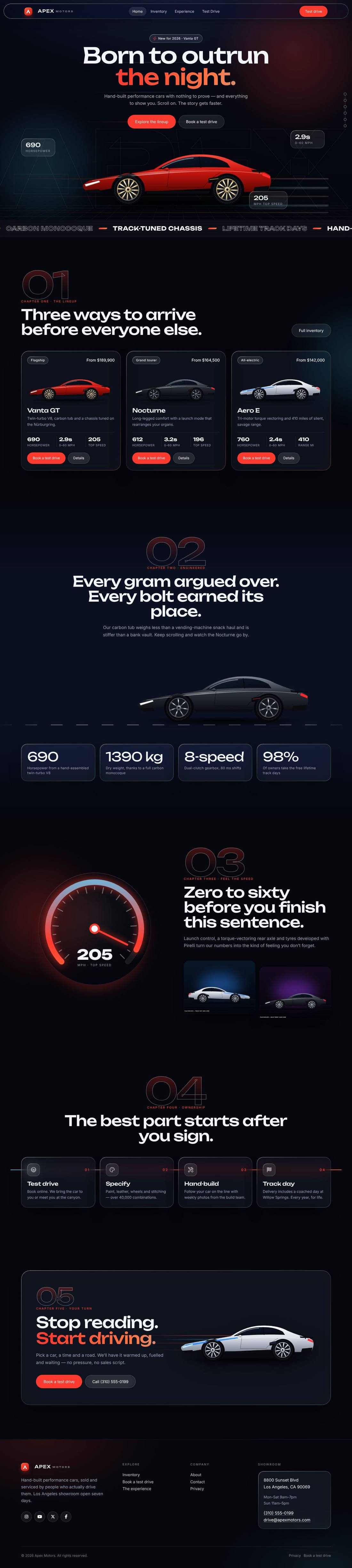
A liquid-glass sports car site told as a story: cars drive in, cross the screen as you scroll and a speedometer sweeps into view.
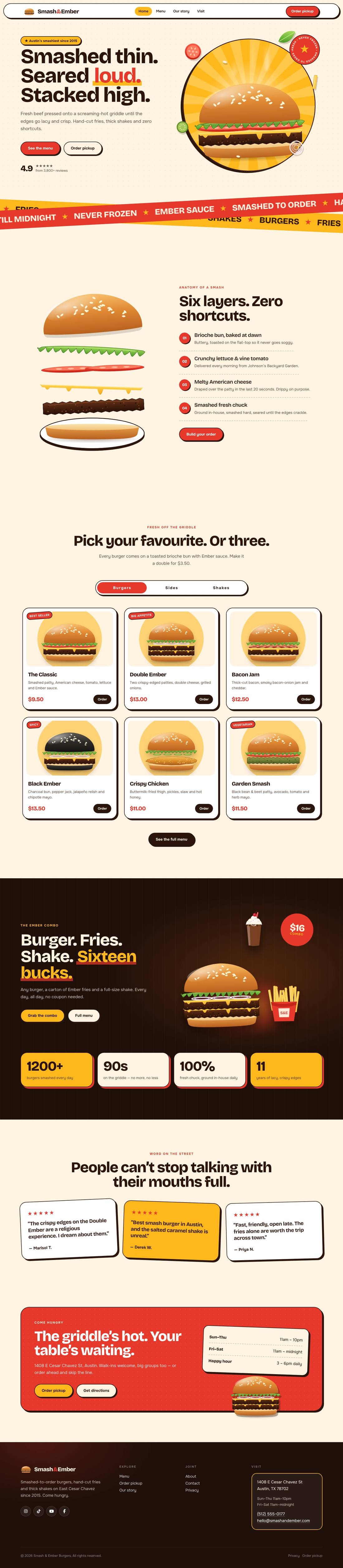
A mouth-watering animated burger joint: the burger builds itself layer by layer, pulls apart as you scroll and fries fly around the page.