
Fusion Digital Dynamics
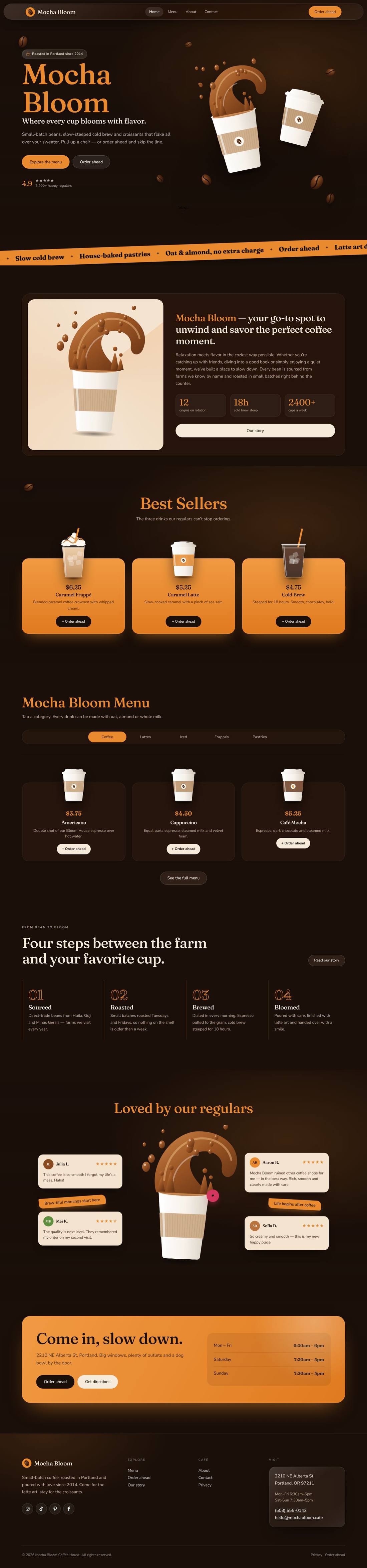
Mocha Bloom Coffee House
An animated coffee house site: splashing cups, floating beans, a silky drifting backdrop and a tabbed menu.
$59
Details
A warm, hand-drawn non-profit website for a charity that helps families start small businesses — built to win applicants, volunteers and donors.

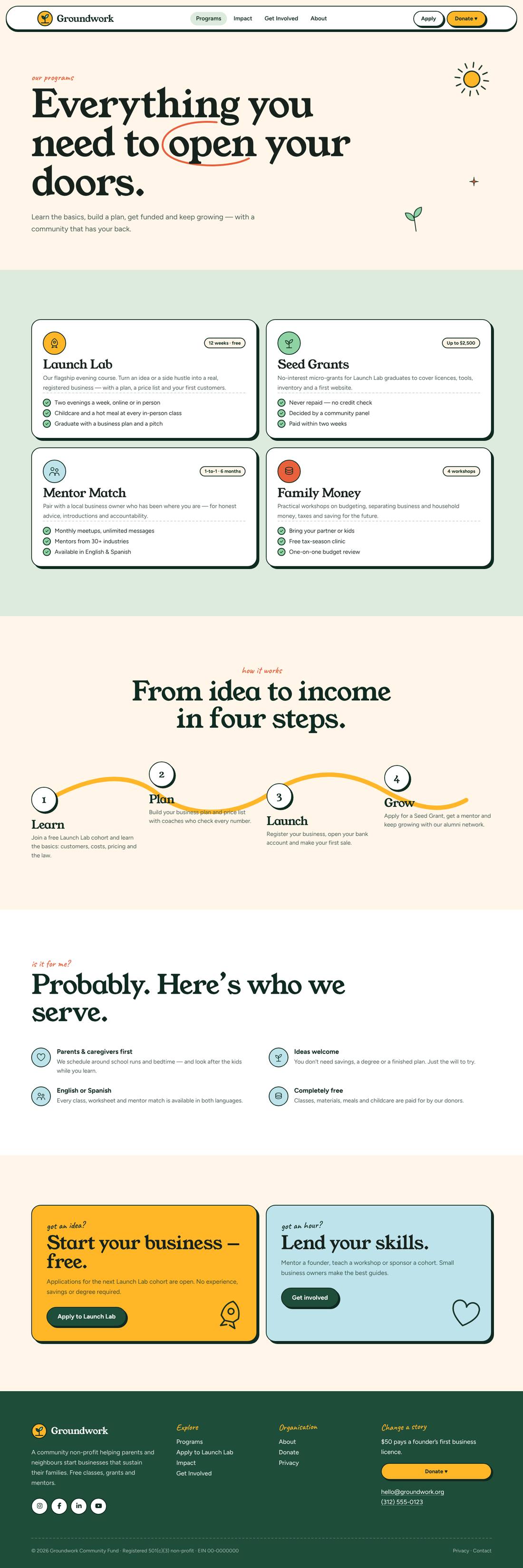
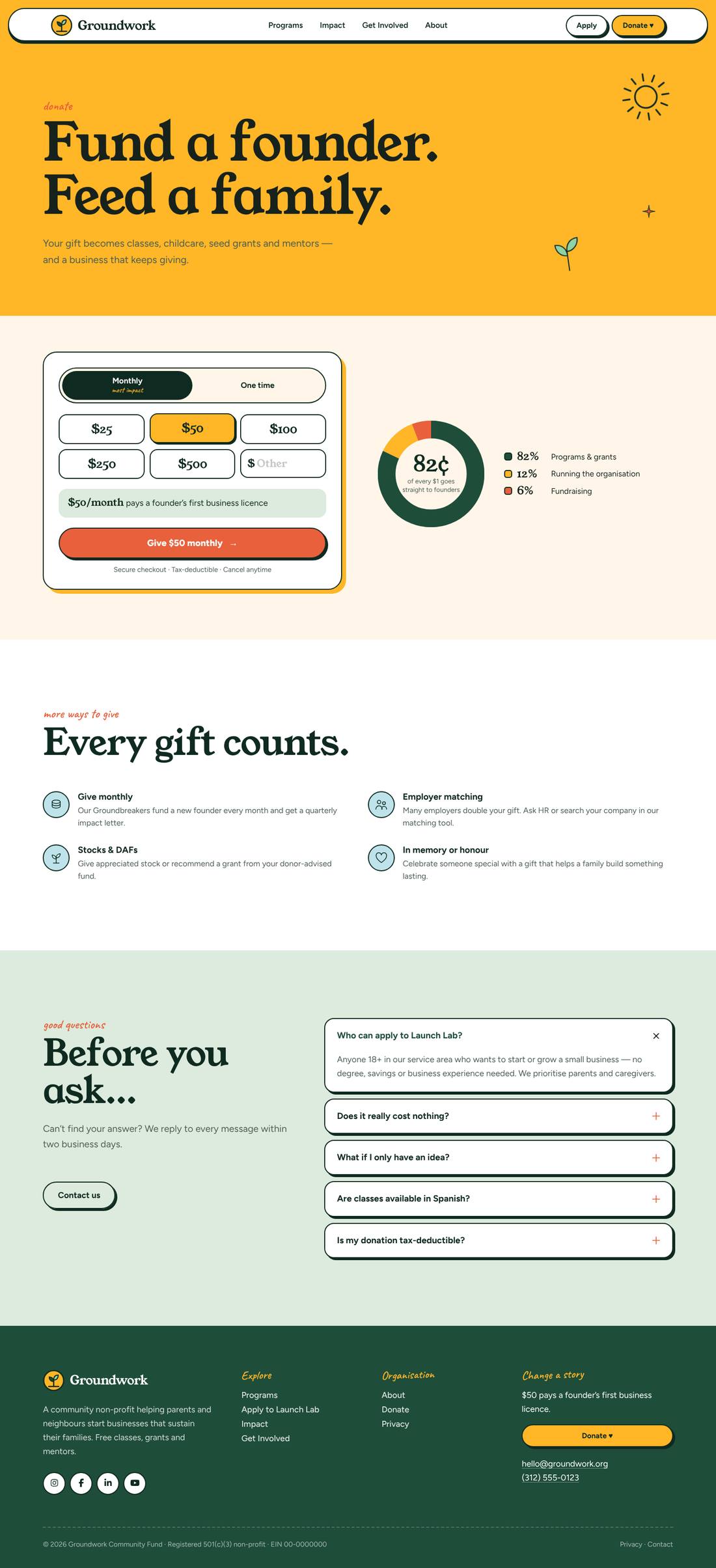
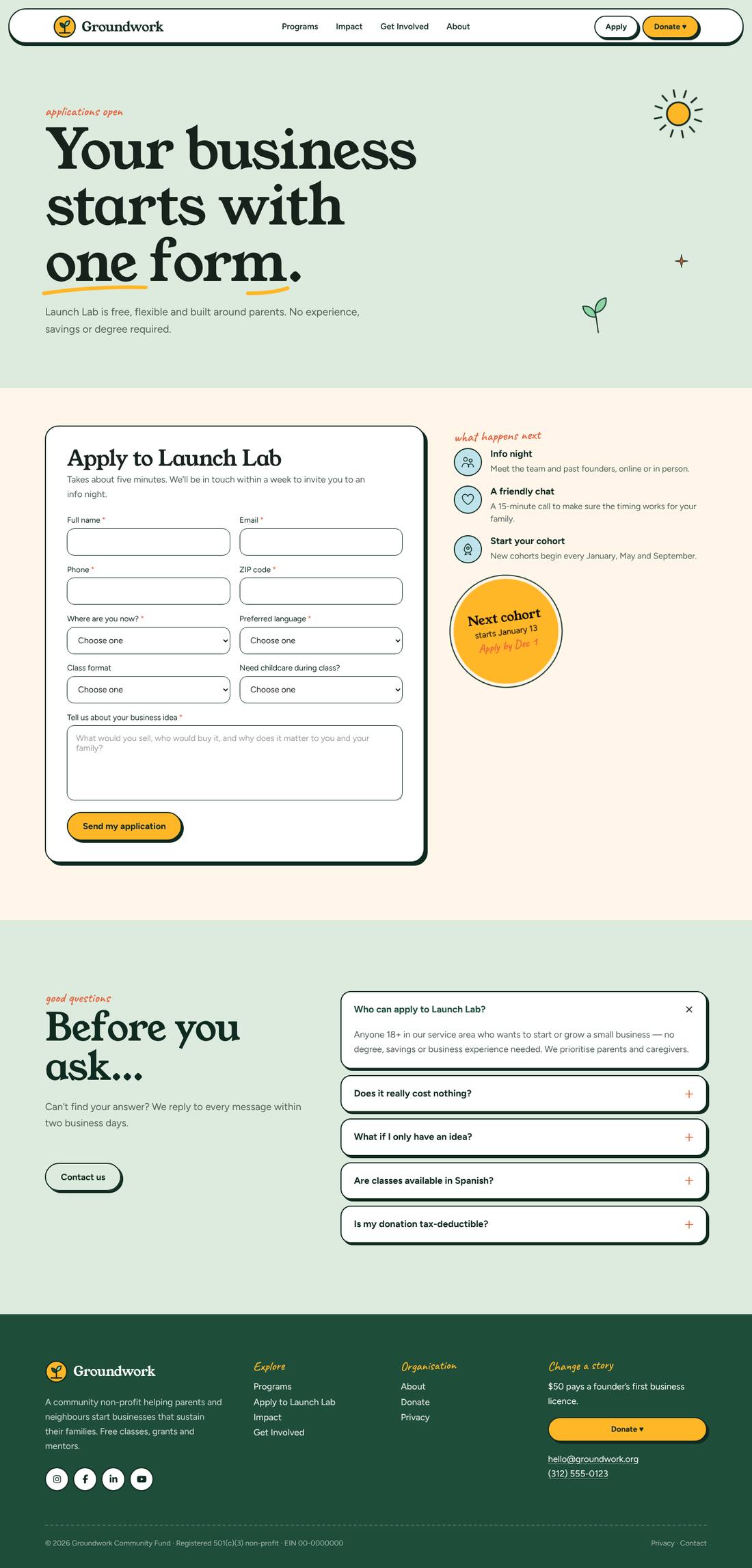
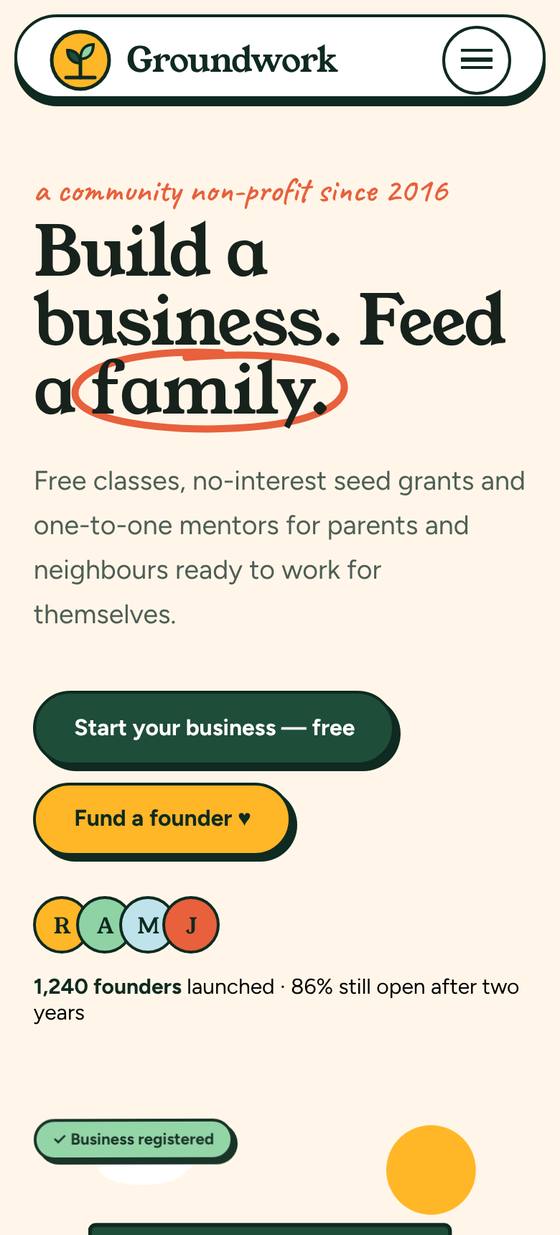
Scroll inside the preview to see the whole page.
A bold, friendly non-profit website in cream, forest green and marigold, with sticker-style cards, a serif headline font and hand-written notes. In the hero, a little shop builds itself: the awning unrolls, the OPEN sign flips, a plant grows and a first-sale receipt prints out, surrounded by milestone chips. Hand-drawn circles and underlines draw themselves around key words. Includes a business-type marquee, counting impact stats, a winding Learn → Plan → Launch → Grow path that draws as you scroll, program cards, founder stories, an animated “where your dollar goes” donut and an interactive donation picker (monthly or one-time, preset or custom amount, with a live impact line). Pages for Programs, Impact, Apply (Launch Lab application form), Get Involved (mentor/volunteer/partner form and events), Donate and About.
.tco file. Pages, headers, footers, layouts, images, colours and fonts are added to your site.
An animated coffee house site: splashing cups, floating beans, a silky drifting backdrop and a tabbed menu.
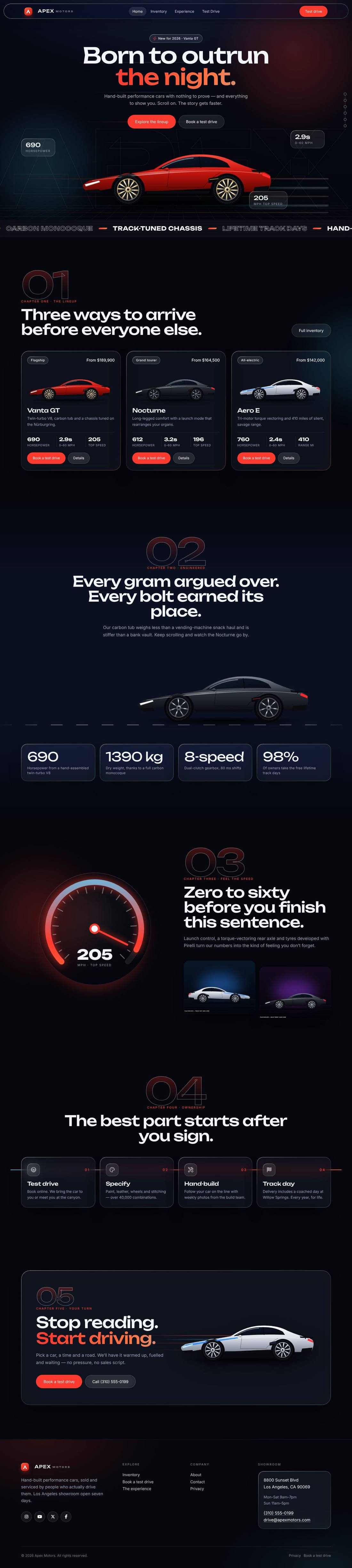
A liquid-glass sports car site told as a story: cars drive in, cross the screen as you scroll and a speedometer sweeps into view.
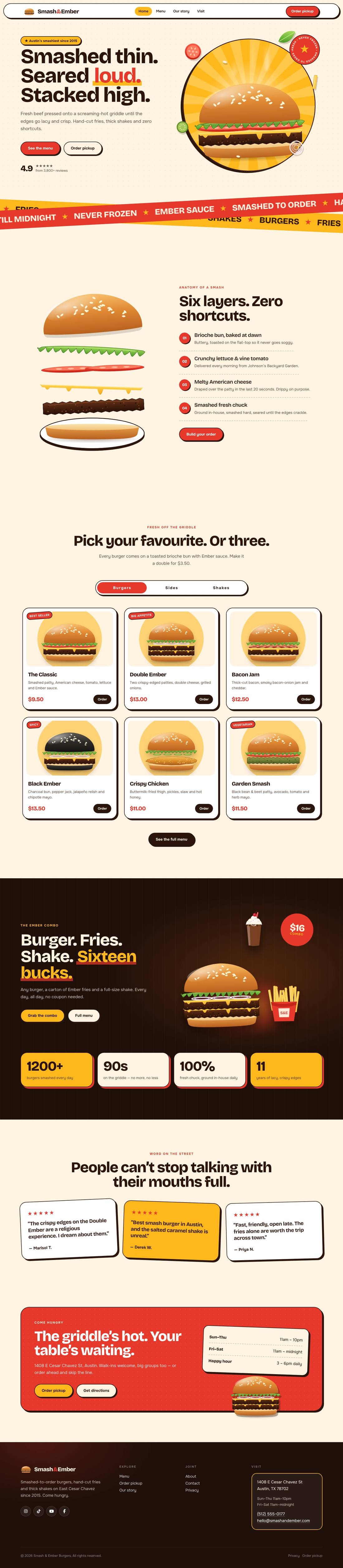
A mouth-watering animated burger joint: the burger builds itself layer by layer, pulls apart as you scroll and fries fly around the page.