
Fusion Digital Dynamics
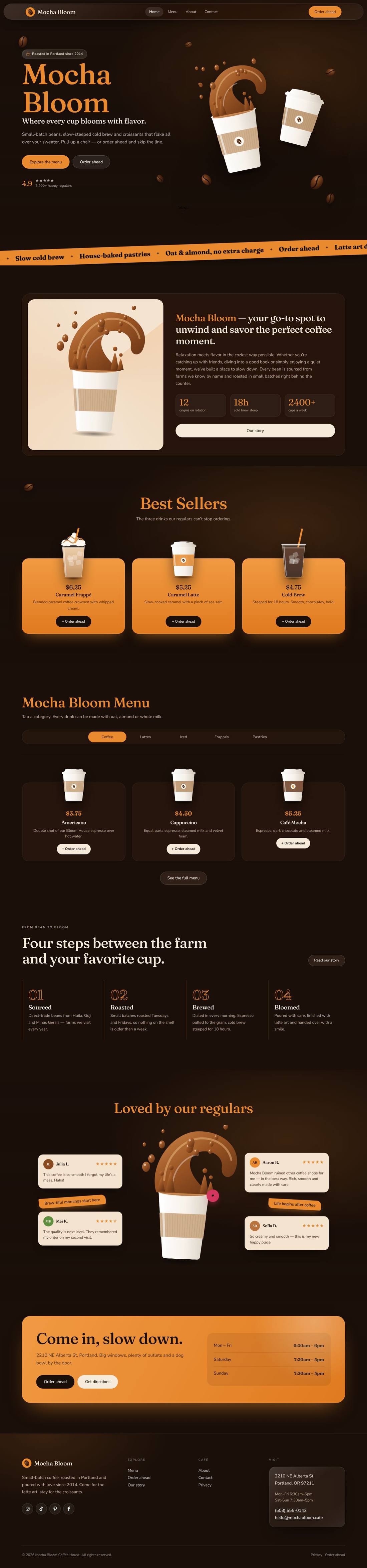
Mocha Bloom Coffee House
An animated coffee house site: splashing cups, floating beans, a silky drifting backdrop and a tabbed menu.
$59
Details
A cinematic darkroom-and-viewfinder website for photographers and filmmakers, built to turn visitors into booked dates.

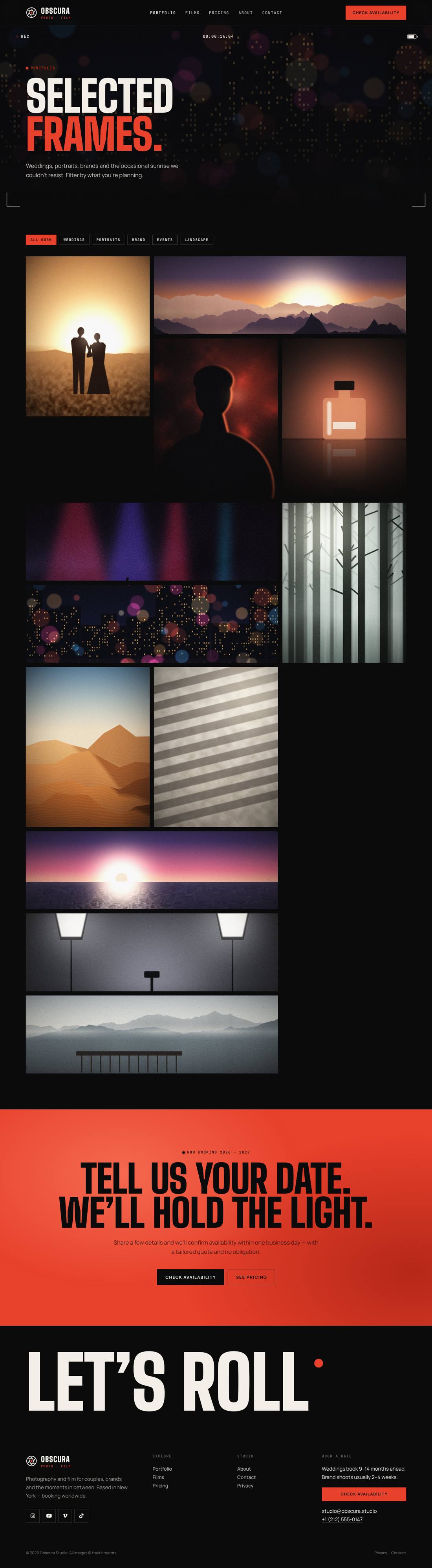
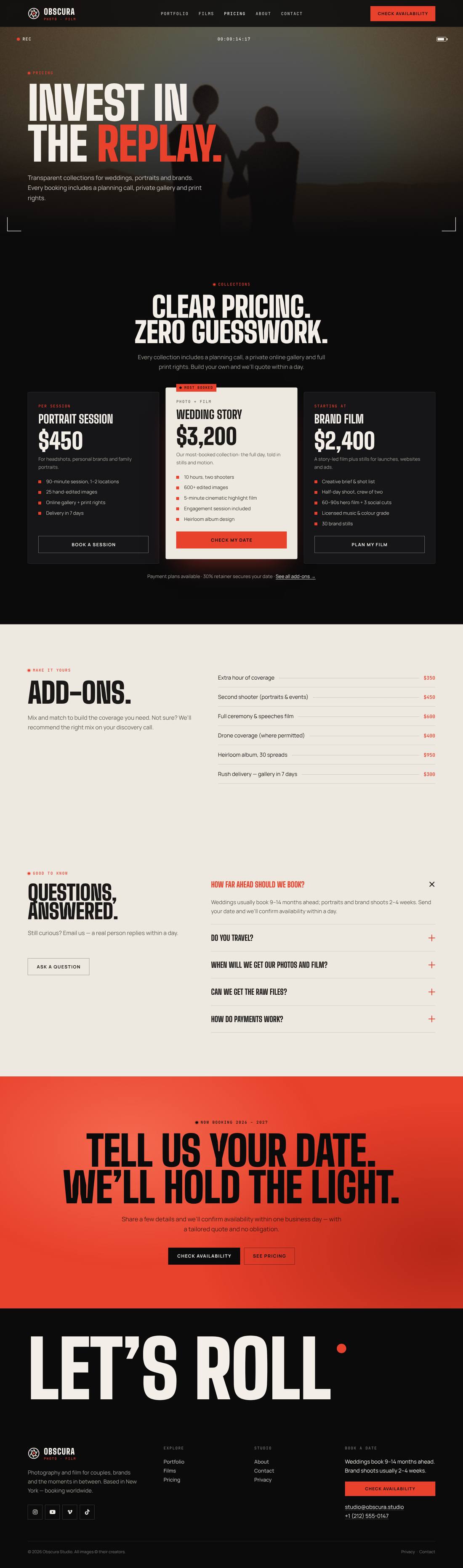
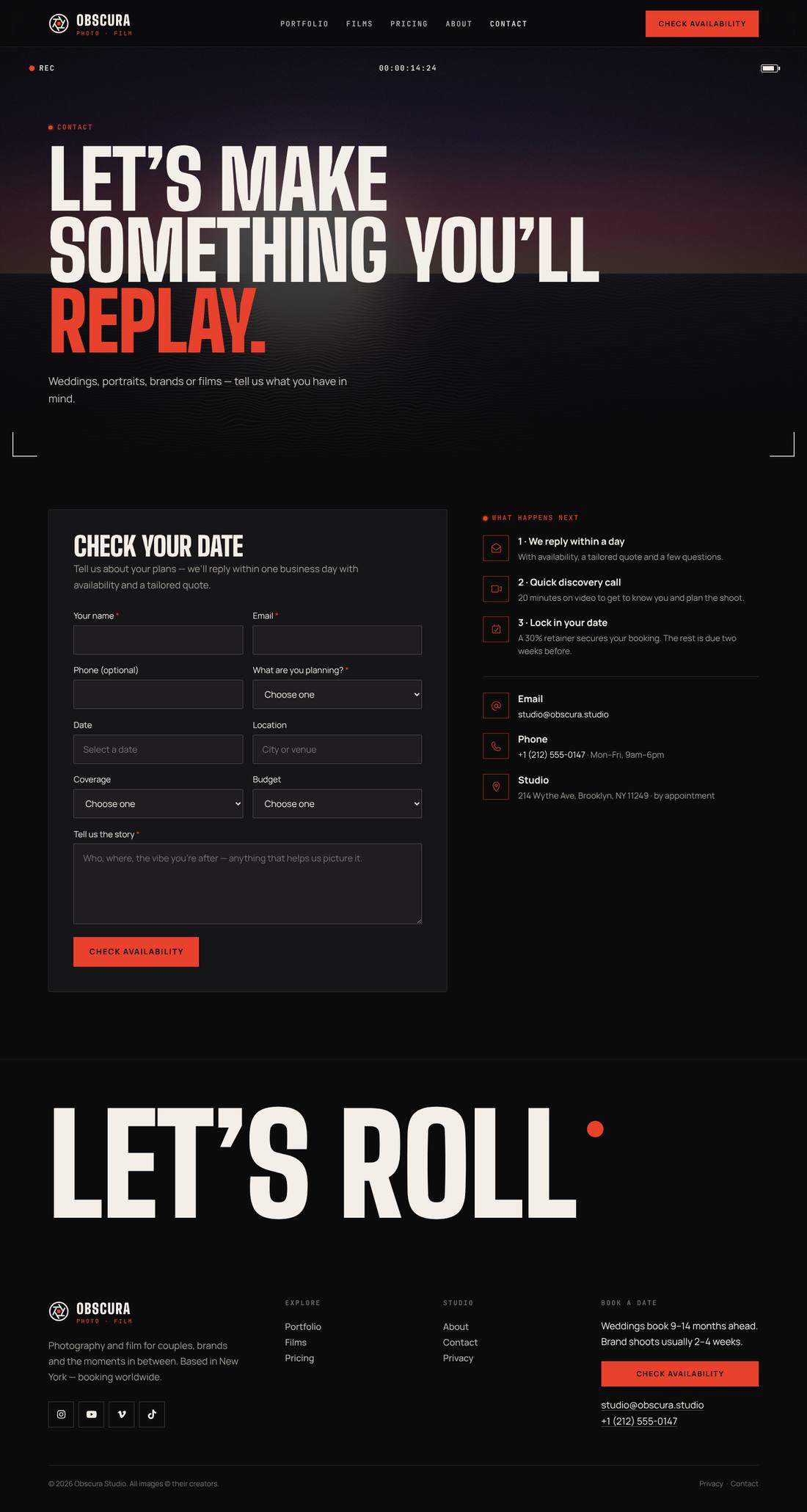
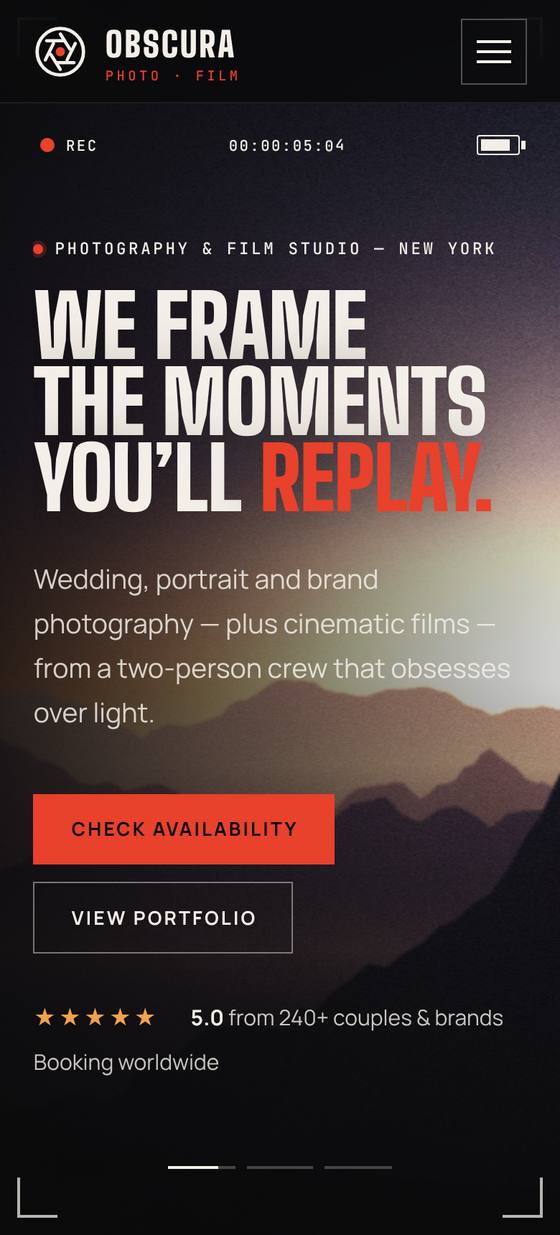
Scroll inside the preview to see the whole page.
A bold, high-converting website for a photography and videography studio, in darkroom black, bone and safelight red. The hero is a live camera viewfinder: a crossfading slideshow with location captions and story-style progress bars, a blinking REC light, a running timecode, a focus box that hunts and locks, and exposure readouts. Below, an endless film strip with sprocket holes, an aperture that opens as you scroll, a bento grid of services with a colour-to-black-and-white grade switch on hover, a draggable RAW-vs-graded comparison, an animated RGB histogram with counting stats, letterboxed films with play buttons, clear pricing collections, a review slider and FAQs. Includes a filterable portfolio, Films, Pricing (with add-ons), About and a Check availability form with date, service, coverage and budget. Every image is original and the motion respects reduced-motion settings.
.tco file. Pages, headers, footers, layouts, images, colours and fonts are added to your site.
An animated coffee house site: splashing cups, floating beans, a silky drifting backdrop and a tabbed menu.
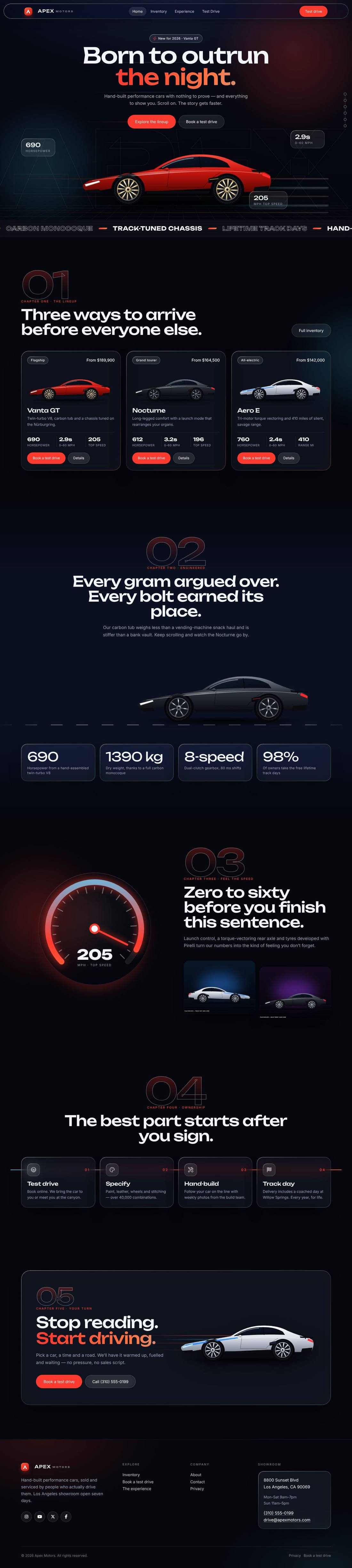
A liquid-glass sports car site told as a story: cars drive in, cross the screen as you scroll and a speedometer sweeps into view.
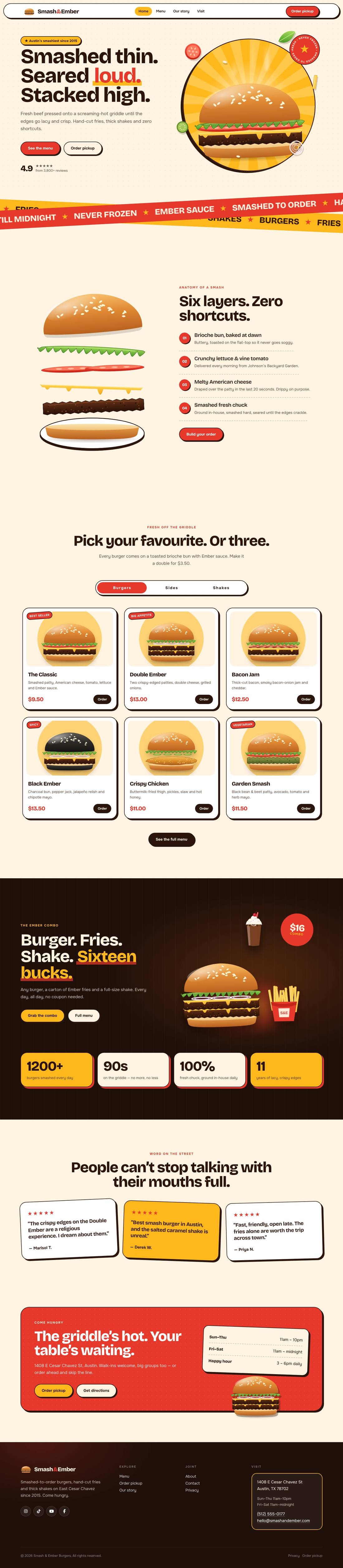
A mouth-watering animated burger joint: the burger builds itself layer by layer, pulls apart as you scroll and fries fly around the page.