Souf Lavi

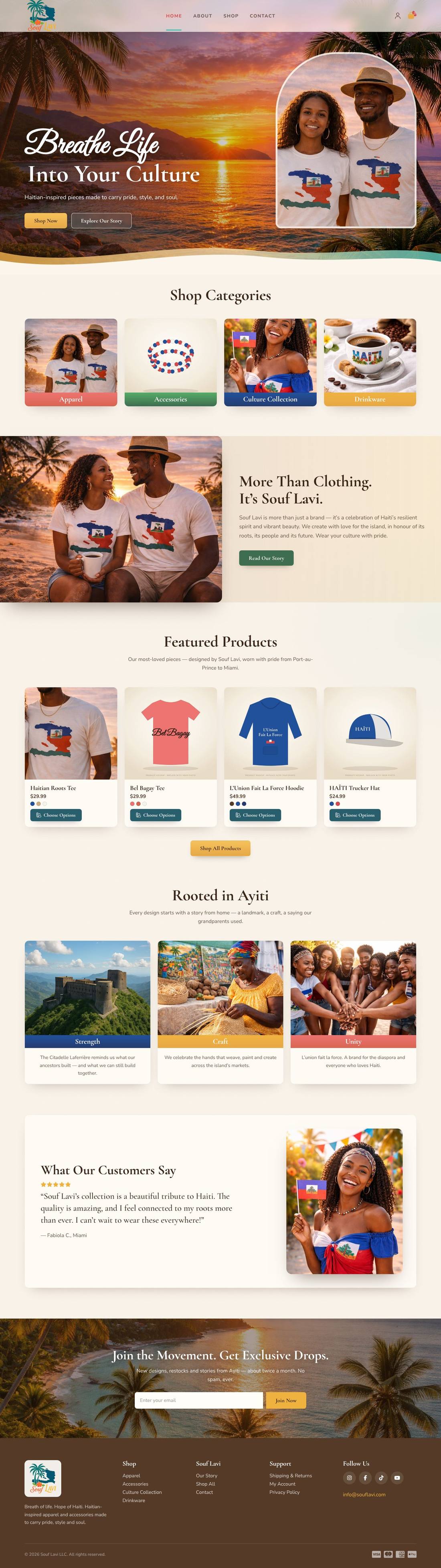
A Haitian-inspired apparel store with warm sunset photography, wave dividers and a colour-swatch shop filter.
About this template

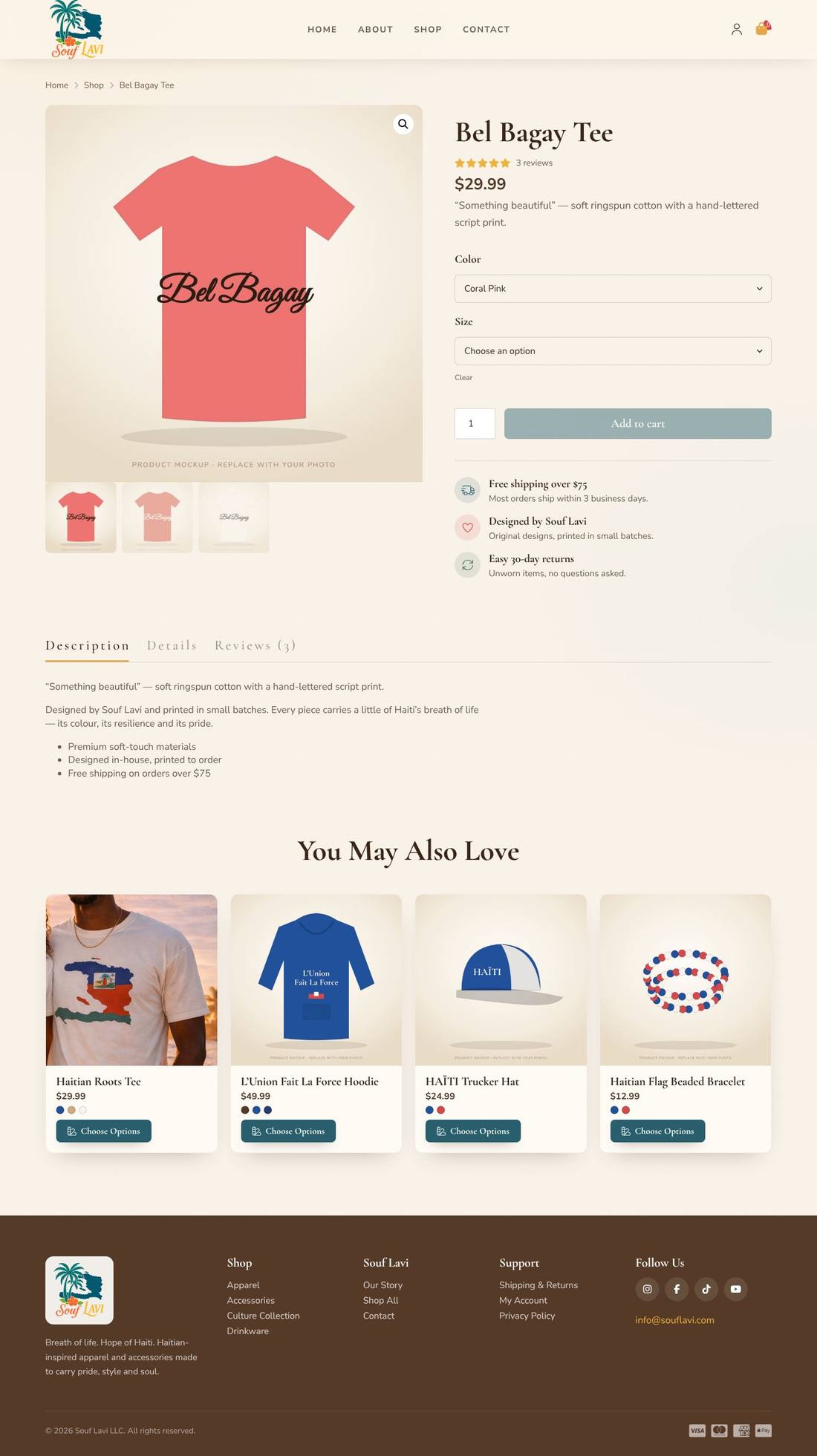
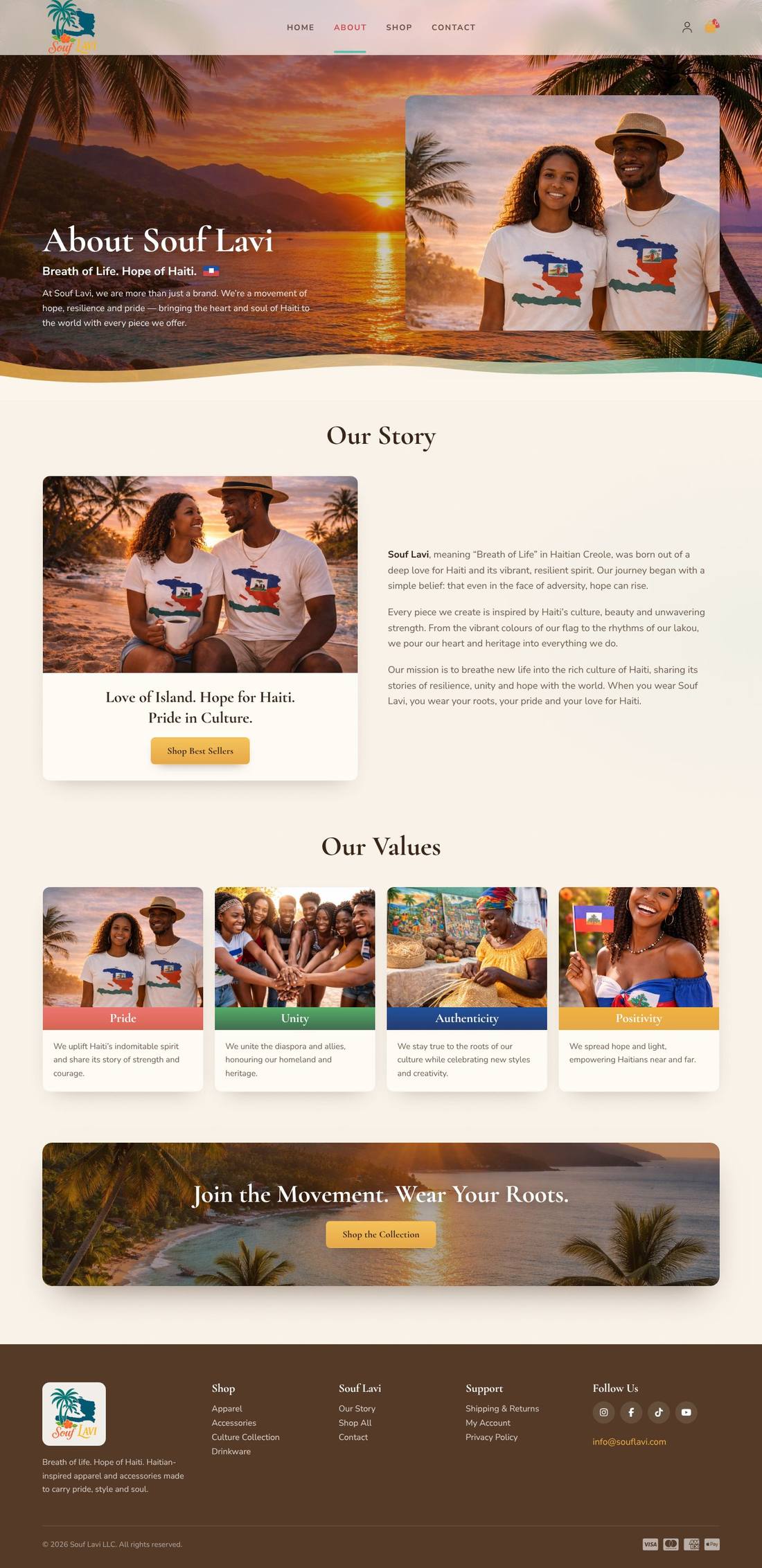
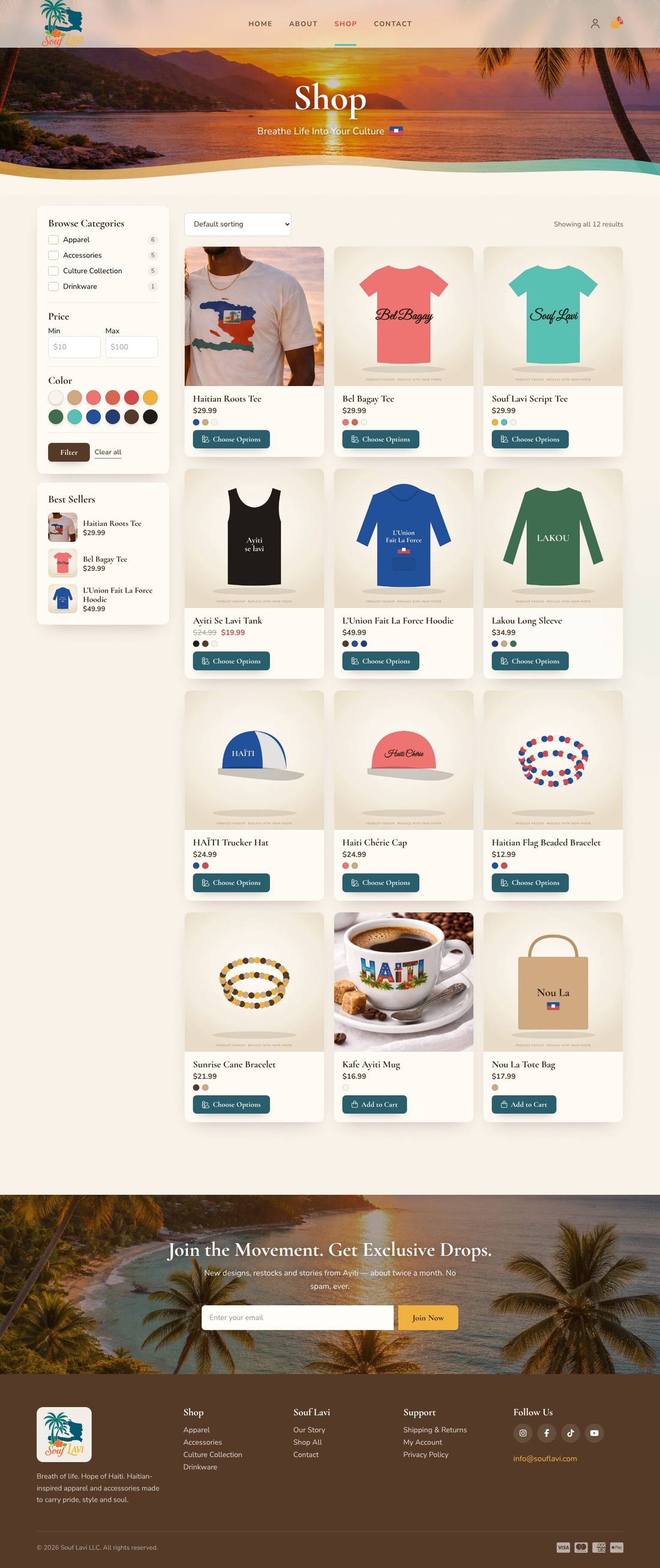
A WooCommerce store for Souf Lavi LLC — “Breath of Life” — selling original Haitian-themed tees, hoodies and accessories. Sunset photo heroes with sand-and-sea wave dividers, colour-banded category cards, featured products with colour dots, a story split, culture pillars, testimonials and a newsletter band. The shop has a sidebar filter built entirely with Cornerstone Forms: category checkboxes, a price range and clickable colour swatches that filter products instantly with AJAX. Includes About, Contact (with map), Shipping & Returns and Privacy pages, plus a sample-products file with 12 products in colour and size variations.

Highlights

  • Shop filter built with Cornerstone Forms — categories, price and colour swatches, with instant AJAX results
  • Colour swatches read from the WooCommerce Color attribute (hex stored in each colour’s description)
  • Sample products file: 12 products with colour and size variations and colour dots on every card
  • Sunset photo heroes with sand-and-sea wave dividers in the Souf Lavi palette
  • Slide-out cart, newsletter and contact forms with Cornerstone Forms
  • Journal with category filters, three sample articles and custom blog archive and article layouts

Pages included

  • Home
  • Shop
  • Product page
  • About
  • Contact
  • Shipping & Returns
  • Stories
  • Blog article
  • Privacy Policy
  • Cart
  • Checkout
  • My Account

What you need

  • Required
    Pro theme or CornerstoneThe template is a Cornerstone export (.tco) — built with native Cornerstone elements, fully responsive.
  • Required
    WooCommerceRuns the store, products, cart and checkout
  • Required
    Cornerstone FormsPowers the shop filter, plus the newsletter and contact forms

How installation works

  1. Make sure the Pro theme or the Cornerstone plugin is active, and install and activate WooCommerce, Cornerstone Forms first.
  2. In WordPress, open Cornerstone › Templates, click Import and upload the .tco file. Pages, headers, footers, layouts, images, colours and fonts are added to your site.
  3. Go to Settings › Reading, choose A static page and set Homepage to “Home”.
  4. Make sure WooCommerce’s Shop, Cart, Checkout and My account pages exist — if not, use WooCommerce › Status › Tools › Create default WooCommerce pages.
  5. Add the sample products: Products › Import → upload the sample-products.csv file → Run the importer. Categories, prices, variations and product photos are created for you (photos download automatically). Replace them with your own products whenever you like.
  6. Forms send to your site’s admin email (Settings › General). To use another address, edit the form’s Email action in Cornerstone.
  7. Replace the sample text, photos and contact details with your own in Cornerstone — and you’re live.

More templates

See all →
Apex Motors
Automotive

Apex Motors

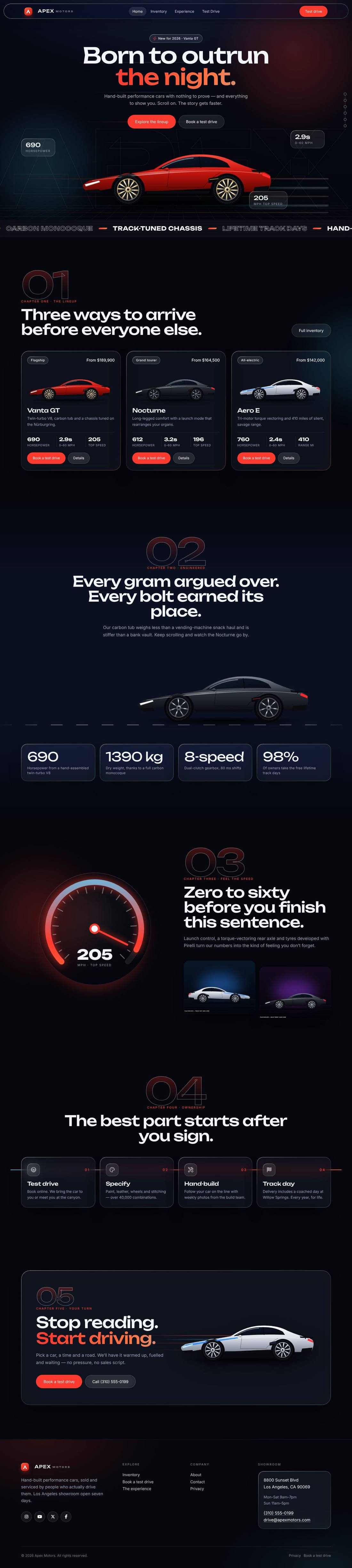
A liquid-glass sports car site told as a story: cars drive in, cross the screen as you scroll and a speedometer sweeps into view.
$59 Details
Smash & Ember Burgers
Food & Drink

Smash & Ember Burgers

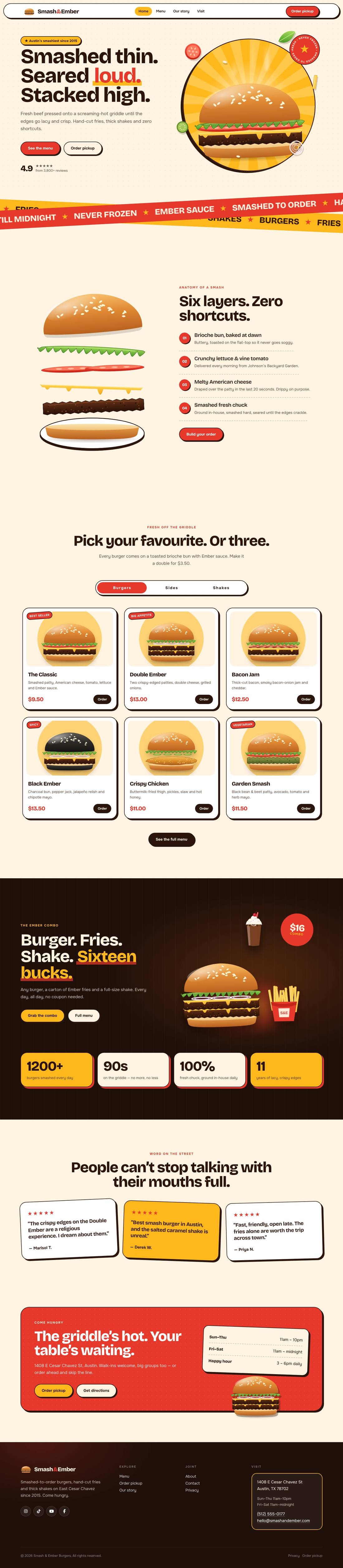
A mouth-watering animated burger joint: the burger builds itself layer by layer, pulls apart as you scroll and fries fly around the page.

$59 Details