
Fusion Digital Dynamics
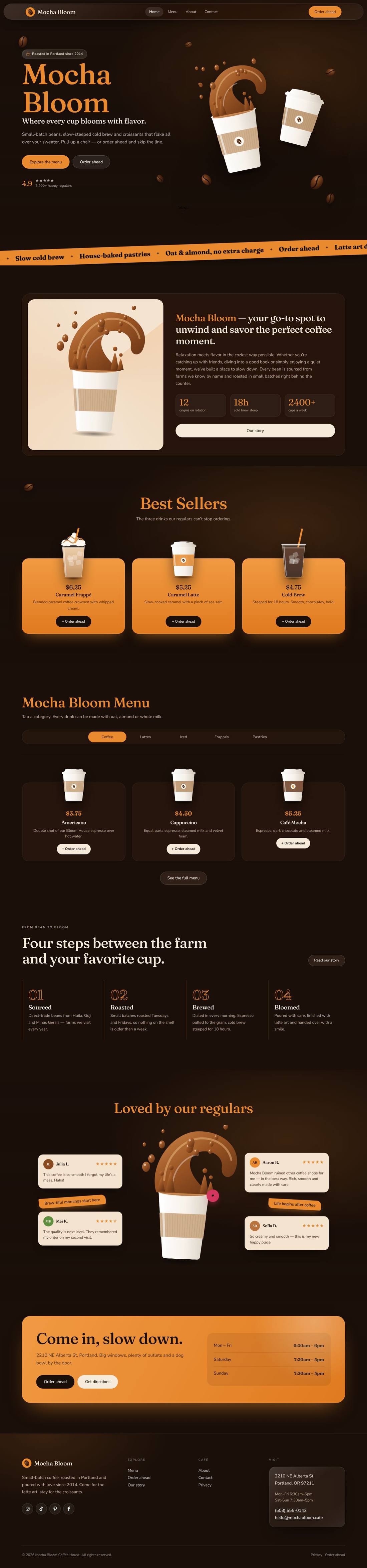
Mocha Bloom Coffee House
An animated coffee house site: splashing cups, floating beans, a silky drifting backdrop and a tabbed menu.
$59
Details
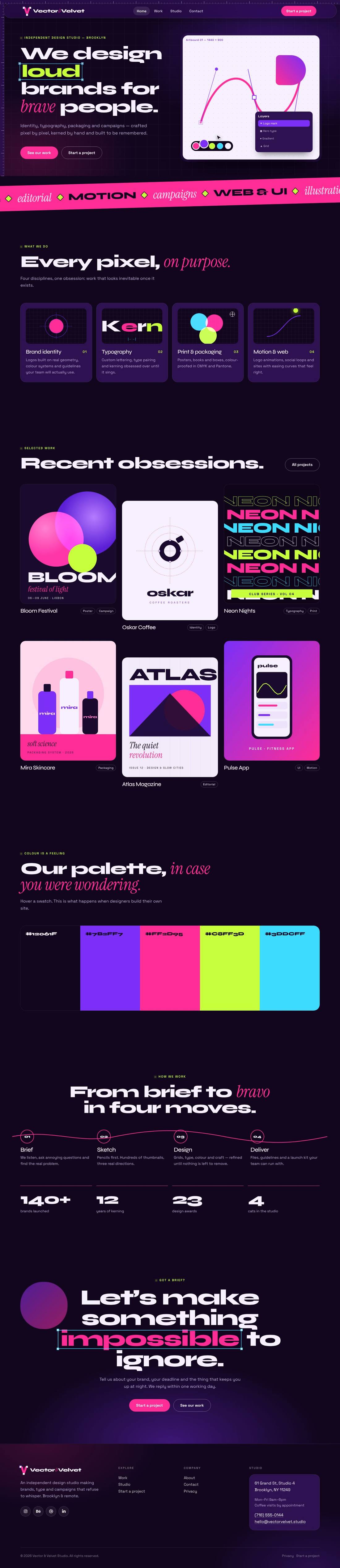
A dark purple and hot pink graphic design studio site whose animations look like a design app at work: pen tool, selection handles, swatches and kerning.
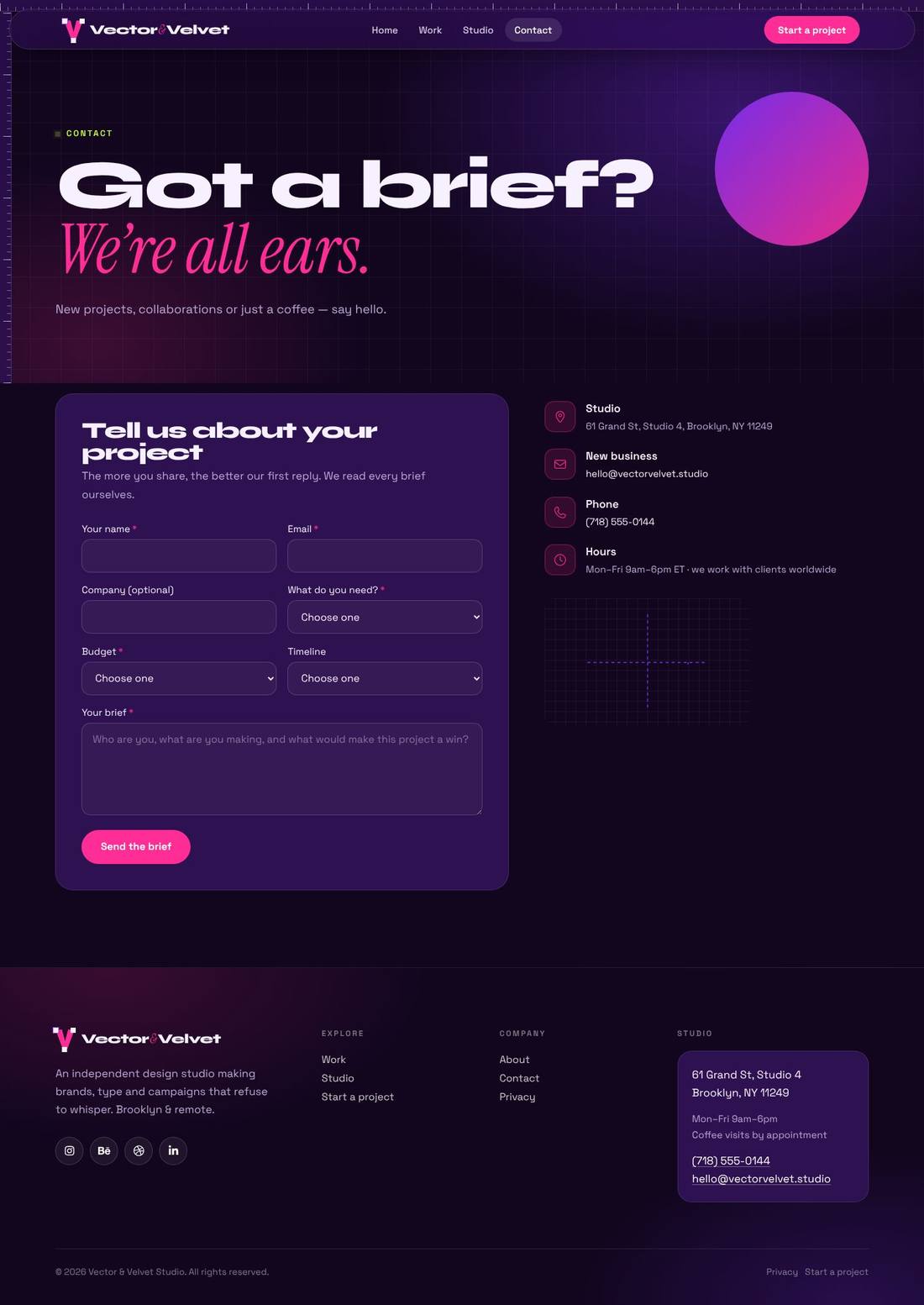

Scroll inside the preview to see the whole page.
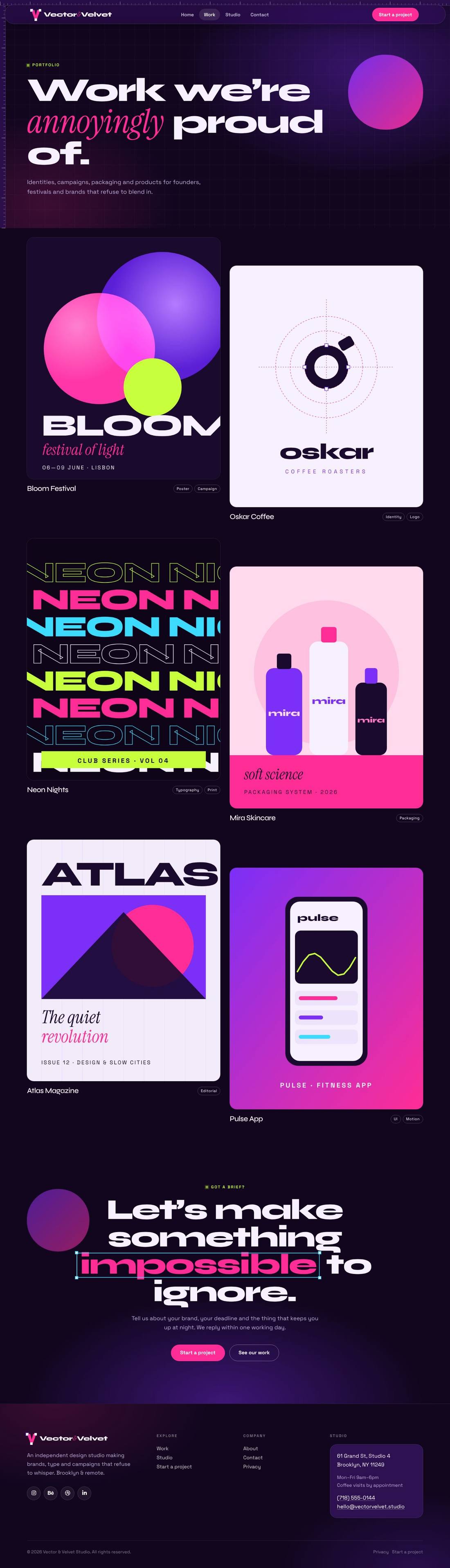
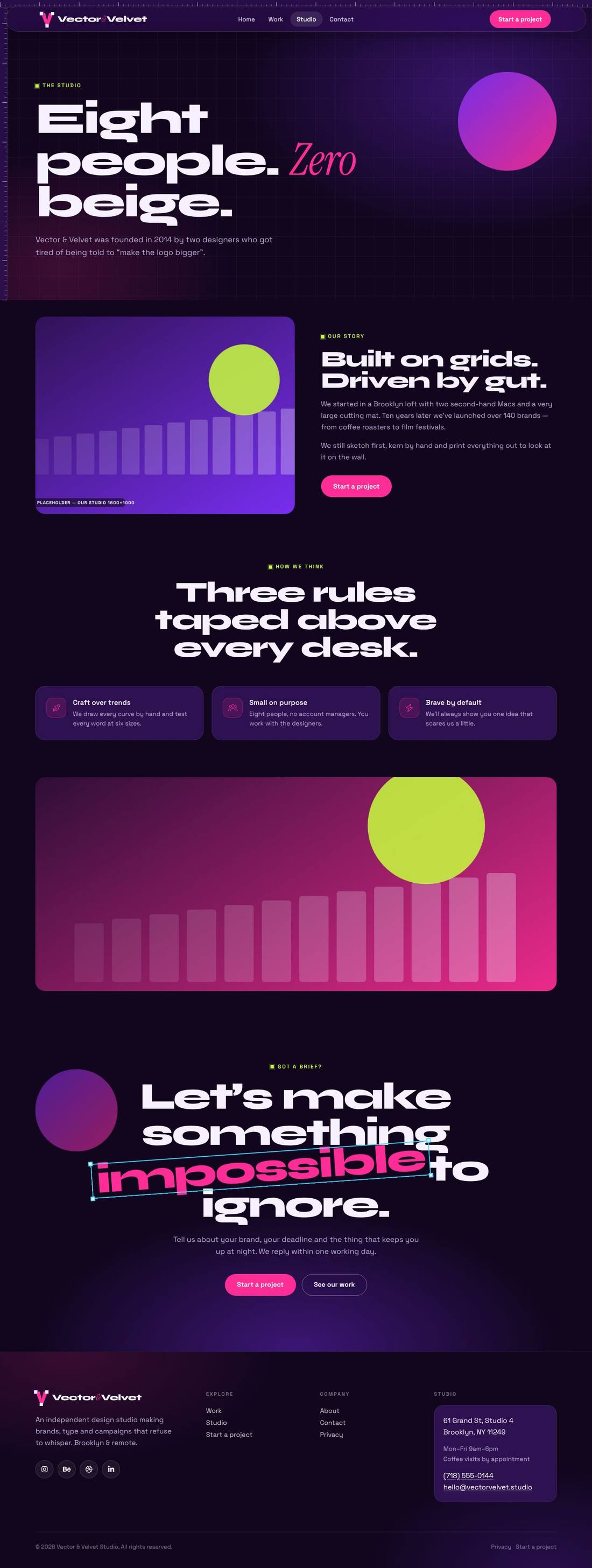
A bold portfolio website for a graphic design studio, in midnight purple, hot pink, acid lime and cyan. The hero shows a live artboard: the pen tool draws a bezier curve with anchor points and handles, a cursor glides in, colour swatches pop, a layers panel highlights and a shape morphs — while the headline word sits inside an animated selection box with transform handles. Each service card has its own design animation (logo construction circles, kerning letters, CMYK overlap, an easing curve), project cards zoom with a “View case” cursor, a palette strip expands on hover with hex and CMYK values, and a pen line draws itself through the process steps. Includes Work, Studio and Contact pages with a project brief form. Every animation is a class you can switch on or off in Cornerstone.
.tco file. Pages, headers, footers, layouts, images, colours and fonts are added to your site.
An animated coffee house site: splashing cups, floating beans, a silky drifting backdrop and a tabbed menu.
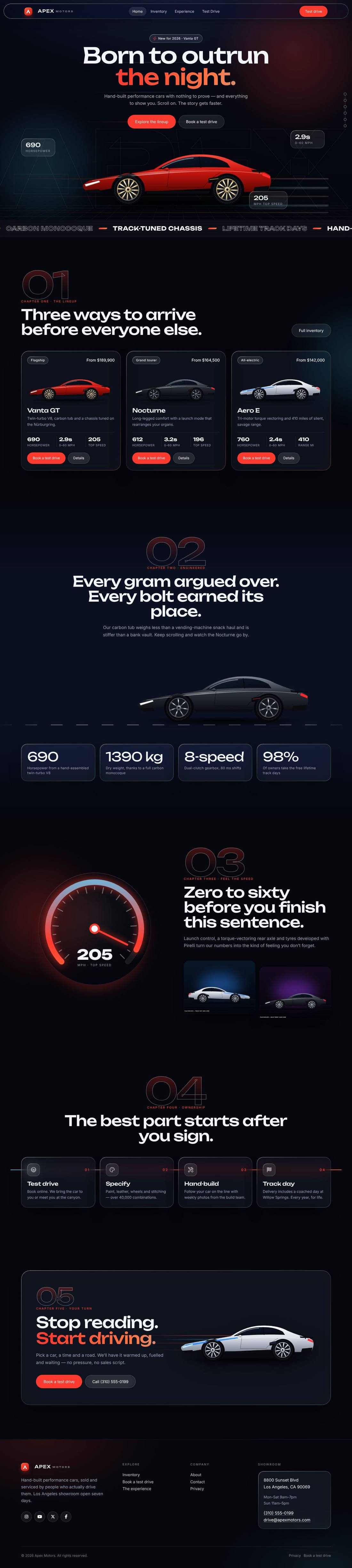
A liquid-glass sports car site told as a story: cars drive in, cross the screen as you scroll and a speedometer sweeps into view.
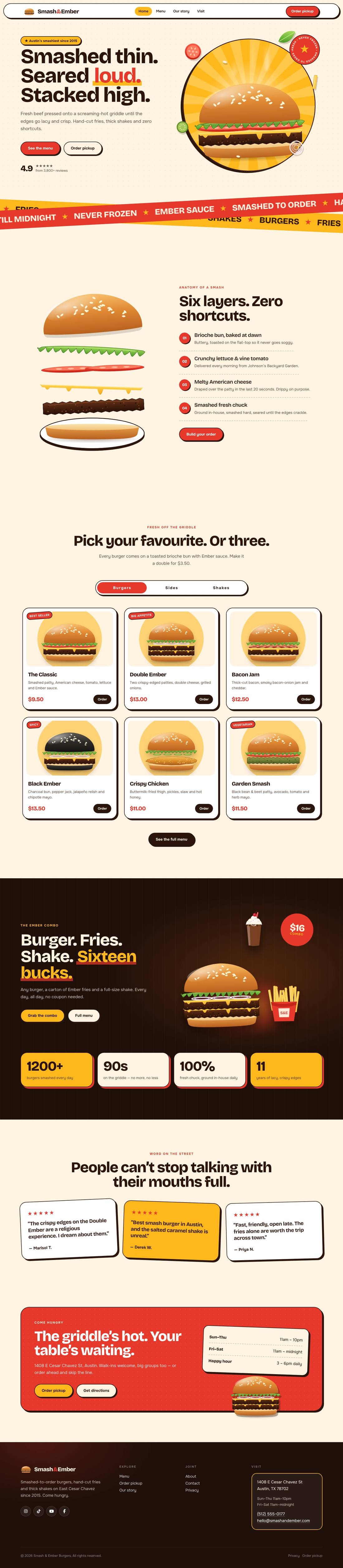
A mouth-watering animated burger joint: the burger builds itself layer by layer, pulls apart as you scroll and fries fly around the page.